 Minglyph
AI typography that starts with the exact text.
Turn a word, name, creator handle, or Chinese character into a visual artwork. Pick a style, add the meaning behind your text, and make something for a cover, a personal brand, or your next creative project.
Free public preview · No sign-up · Free accounts include 6 private generations
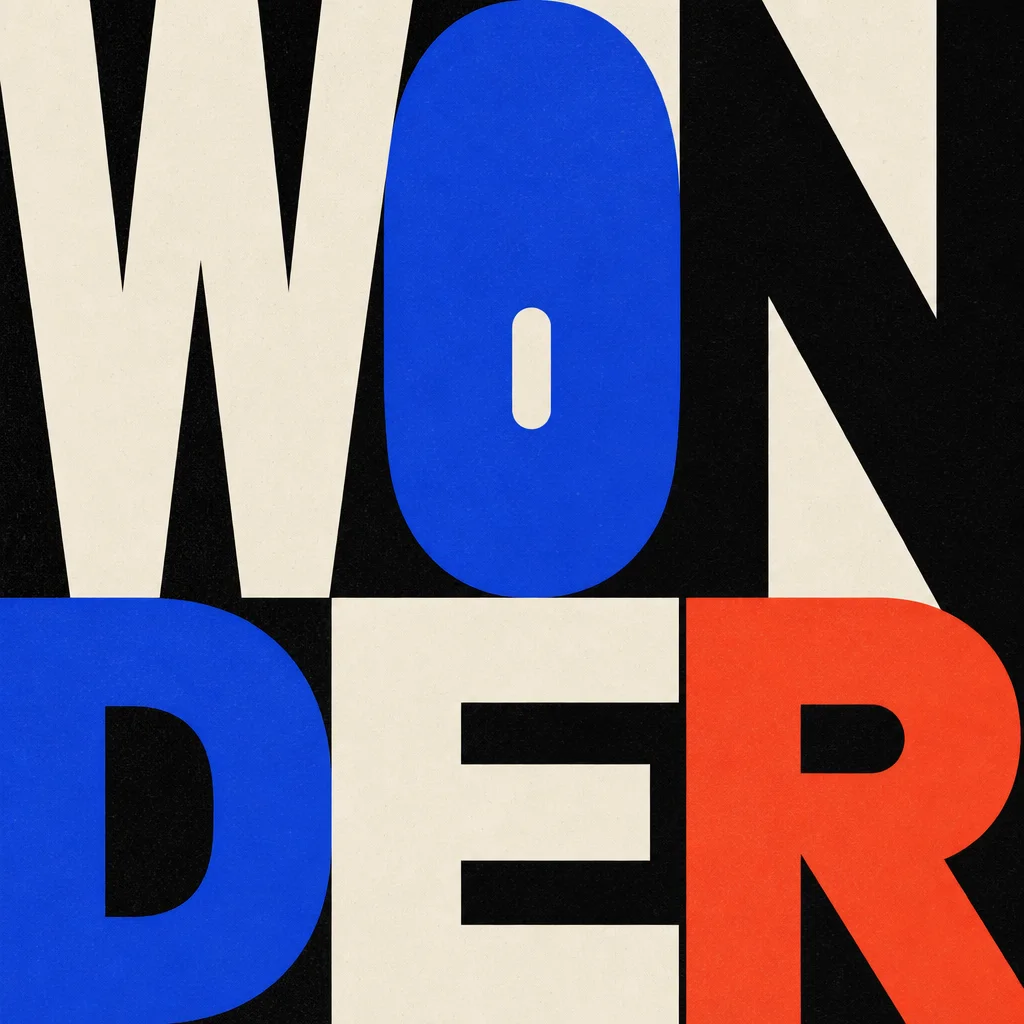
Control the idea before adding the style.
Strong generative typography needs more than a mood prompt. Minglyph separates the exact text, intended meaning, format, visual system, palette, and legibility constraints so each generation has a clear job.
- 01
Lock the character sequence
The exact Unicode text stays explicit, including case, Chinese characters, brand terms, and handles.
- 02
Choose one semantic move
Proportion, negative space, material, or one contained intervention carries the meaning.
- 03
Review before publishing
Inspect every character at full size because image generation remains probabilistic.
One word can go in many directions.
Editorial scale, tactile growth, and soft sculptural volume should not collapse into the same generic AI look. Each direction uses its own composition, material, and color logic.
Scale, color, and a two-beat reading rhythm create the impact.
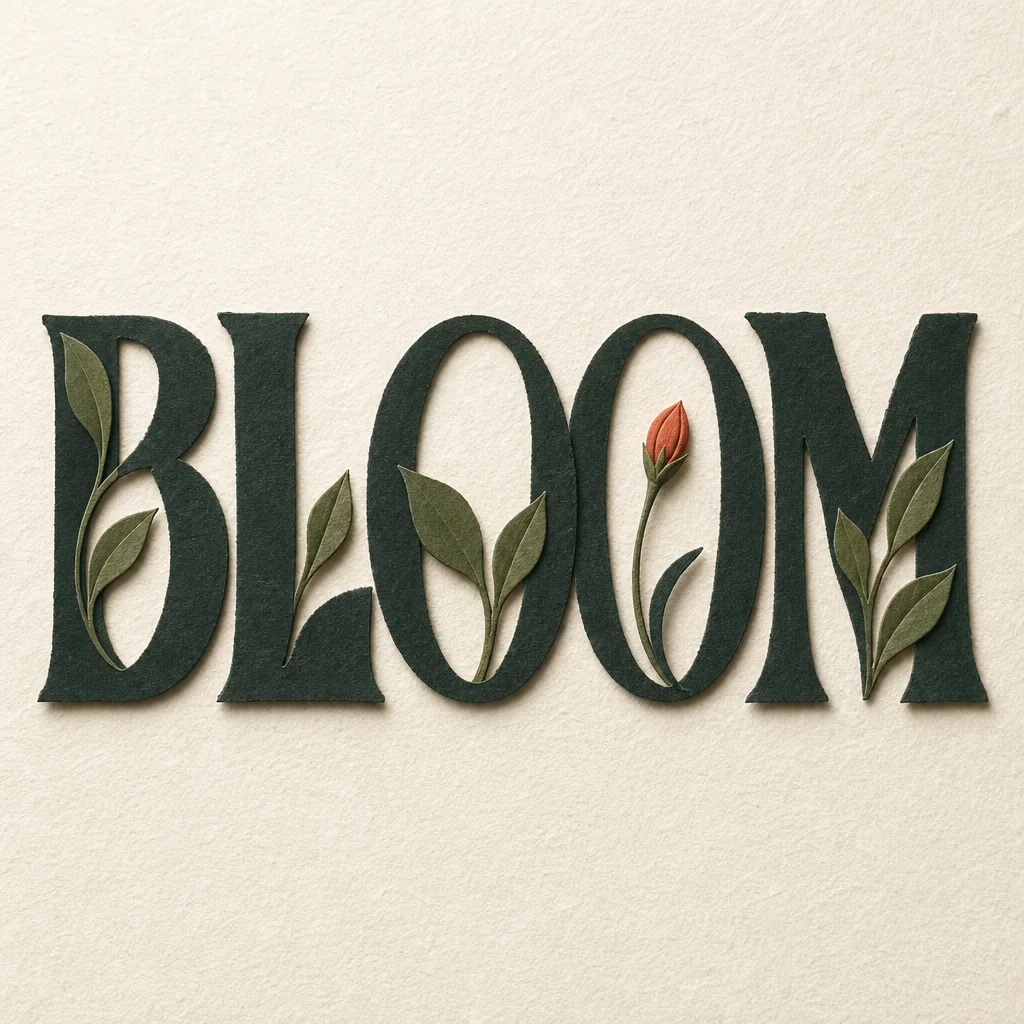
Leaves and one bud emerge from real letter anatomy.
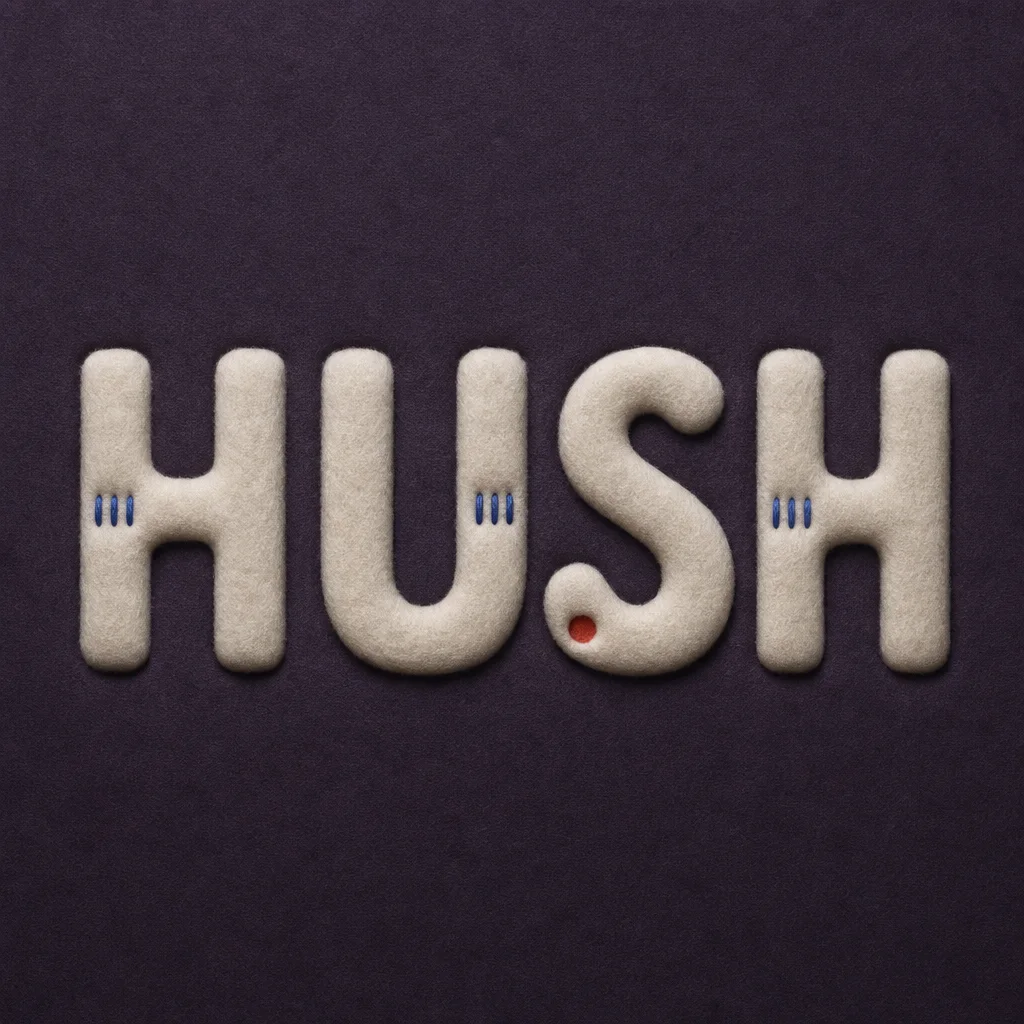
Material and shallow depth make quiet feel physical.
From text to your next artwork.
- 01
Enter exact text
Use the capitalization, spacing, script, and characters you actually need.
- 02
Write one meaning
Describe what the typography should communicate before choosing decorative details.
- 03
Select, generate, verify
Pick a visual system, generate a study, then check spelling, glyph structure, and small-size readability.
Take a closer look before you share.
Check spelling and character shapes at full size, then see how the artwork reads at the size you plan to use. Try another generation if a detail is unclear. The download is an artwork image, not an editable font.
Useful before you generate.
What can I enter in the AI typography generator?+
You can enter exact words, names, creator handles, brand terms, English, Chinese characters, and mixed Unicode text, subject to the content policy and your rights to use the text.
Which fonts does the generator use?+
The image model creates letterforms from your text, meaning and selected visual style; this workflow does not typeset the artwork from a fixed library of font files. The result is a PNG concept, not an editable text layer or an installable font. A described typeface is a direction, not a guarantee of an exact match.
How is this different from a general AI image prompt?+
Minglyph separates text accuracy, meaning, format, style recipe, palette, and forbidden changes into a versioned prompt contract instead of relying on one loose paragraph.
Will the generated typography always spell the text correctly?+
No image model can guarantee that every generation is perfect. Minglyph makes the exact sequence explicit and reduces drift, but you should still inspect every character before using the result.
Can I use the same workflow through an API?+
Yes. The API offers the same generation styles and artwork workflow as the Studio. The developer documentation covers keys, generation requests, and downloads.