 Minglyph
Give the word a reflective surface.
Start with a readable title, then let a controlled band of light describe polished metal across its letter faces. The goal is a clear word with a material idea, not a shiny background that happens to contain type.
Free public preview · No sign-up required · See plans and downloads
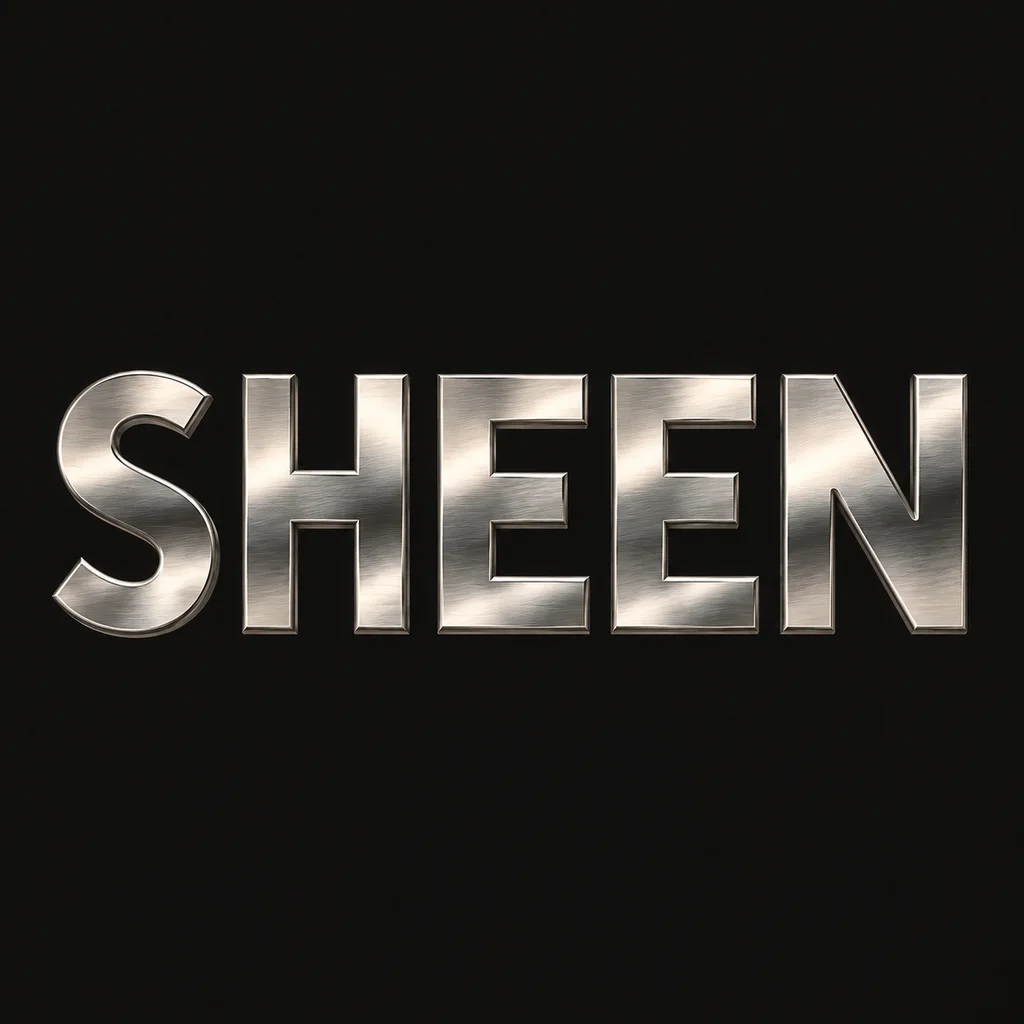
Keep reflections inside the letters.
The SHEEN study uses five complete wide capitals on a quiet dark field. Light and gray bands move across the metal faces, while the outer silhouettes and counters stay intact. Begin with one reflection direction; scattered highlights can make neighboring letters look like different materials. Check the E bars and N diagonal before judging the shine.
Separate surface from depth.
A narrow bevel can help the metal read, but the reflective face is the main idea. If deep extrusion or a dramatic viewing angle hides a character, return to a near-frontal view. This differs from the soft 3D starter, which begins with tactile clay, felt or paper volume rather than hard reflected light. Compare a softer 3D material.
Check the finish in its final context.
A chrome title can be an image study for music packaging, a fashion graphic or a cover. Shrink it to the intended display size and keep enough contrast between its brightest reflections and the letter edges. The result is square artwork, not a live chrome shader, editable vector text, a font file or measured print foil. Rebuild production-specific effects in the appropriate design tool.
Another way to approach the letters.
Selected studies with their own briefs. Open a direction and replace the text with yours.
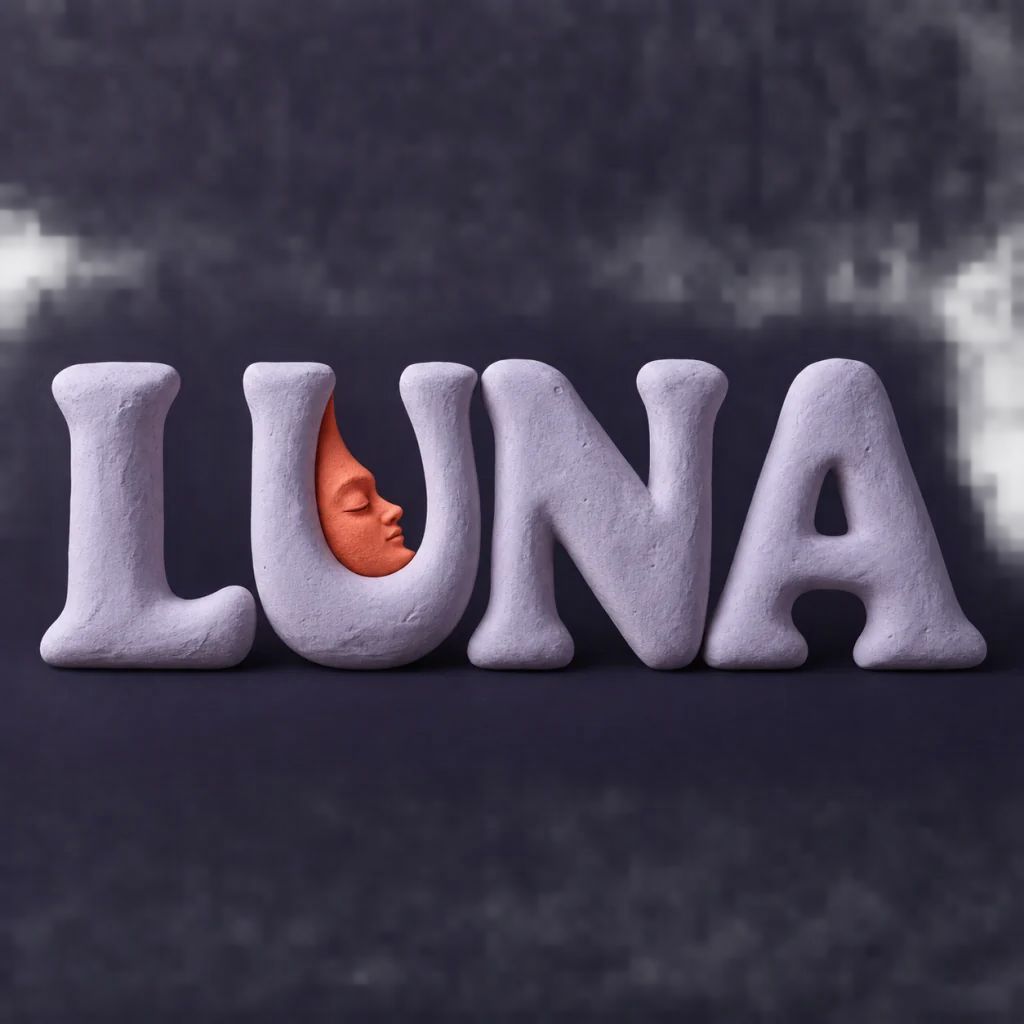
A familiar name with a softer side.
Use this direction
A clear direction for an ambitious idea.
Use this directionFrom your text to a considered image.
- 01
Use the exact word
Enter the intended case and punctuation. A concise title leaves room for complete letterforms and reflections.
- 02
Set a material brief
Choose a palette and open the Editorial brief in Studio. Describe reflective metal and one light direction without changing the word.
- 03
Inspect the small image
Read the thumbnail, then check joints, counters and edge contrast at full size before downloading.
Before you create.
Is the result editable 3D or vector chrome text?
No. Minglyph creates a square AI image. It does not export a mesh, live lighting rig, vector outlines or editable metal material.
Can I choose gold or another metal?
Choose a palette and describe the intended metal in Studio. The sample uses restrained silver; generated reflections can vary, so inspect the result before use.
Can I control reflection bands precisely?
Studio accepts a written direction, not a lighting or gradient editor. Compare results and recreate an exact reflection later in a design application if the project requires it.
Will it handle names, Chinese characters or punctuation?
The brief carries exact Unicode text within 40 characters. Review every accent, radical and mark; highlights should never replace a required stroke.