 Minglyph
Let the title belong to the sequence.
A film title is read at a chosen moment, for a limited time, between moving images. Explore a short static lettering image, then place it in your video editor to judge that moment. Minglyph supplies a square PNG direction; the sequence, final frame, timing and transitions stay in your editing workflow.
Free public preview · No sign-up required · See plans and downloads
Begin with the approved title and its role.
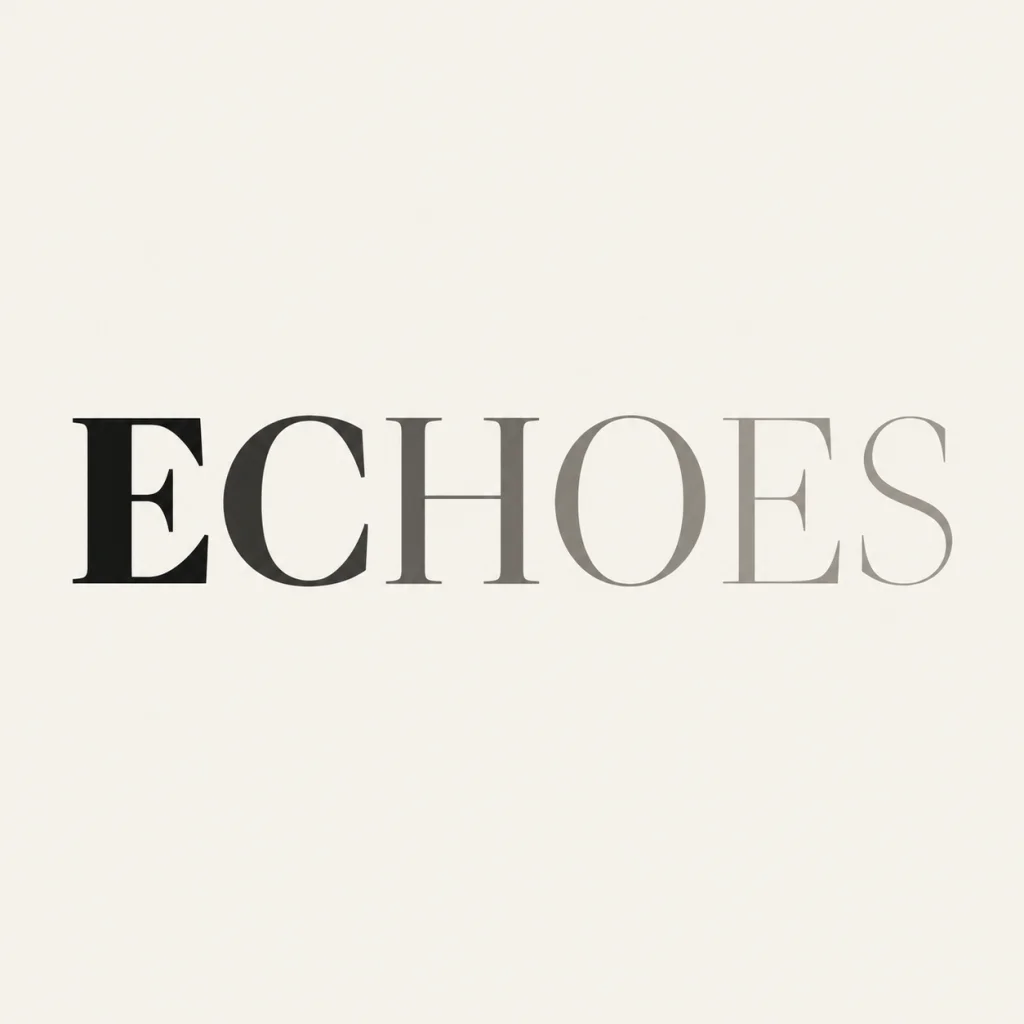
Decide whether the title introduces the film, marks a chapter or closes the sequence. Use the agreed spelling, capitalization and punctuation before exploring its appearance. Keep credits and other necessary information separate. ECHOES is an owned September 18 music-cover study reused as a static title reference. It is not a released film title, a studio commission or a reproduction of an existing title sequence. Its gradual change in letter weight offers a quiet direction to compare. Compare a quiet music-cover title.
Place the square component inside the real frame.
Create the sequence with the intended delivery dimensions in your video editor, then position the PNG proportionally. Include its opaque background in the composition; stretching the image or assuming an alpha channel can change the result. Keep enough space around the complete letters for your actual framing and delivery requirements. If you want a title over moving footage, build and test that treatment in the editor rather than expecting this square study to be a ready-made overlay.
Judge reading time in playback, not from a still.
Watch the shot before the title, the title itself and the next shot together. Ask someone who has not memorized the words to read the complete title during ordinary playback. Adjust its duration and scale in the editor when the reading feels rushed. Check the exported sequence at its intended display size too. Fine or pale strokes, such as the final letters in the ECHOES study, may need a stronger treatment to remain visible; the sample is a direction, not a guaranteed final frame. Compare a bolder action-lettering direction.
Keep a reusable title reference and a separate publicity layout.
Save the exact wording, chosen image and placement notes with the edit so later versions can be checked against the same reference. Add transitions, animation, captions and credits with the appropriate editing tools; this page does not deliver a motion template or editable font. If you also need a poster, compose it independently with the necessary publicity information. A successful timed title does not automatically become a readable poster with dates and credits. Compose a separate title-led poster.
Another way to approach the letters.
Selected studies with their own briefs. Open a direction and replace the text with yours.

The feeling that stays after a song ends.
Use this direction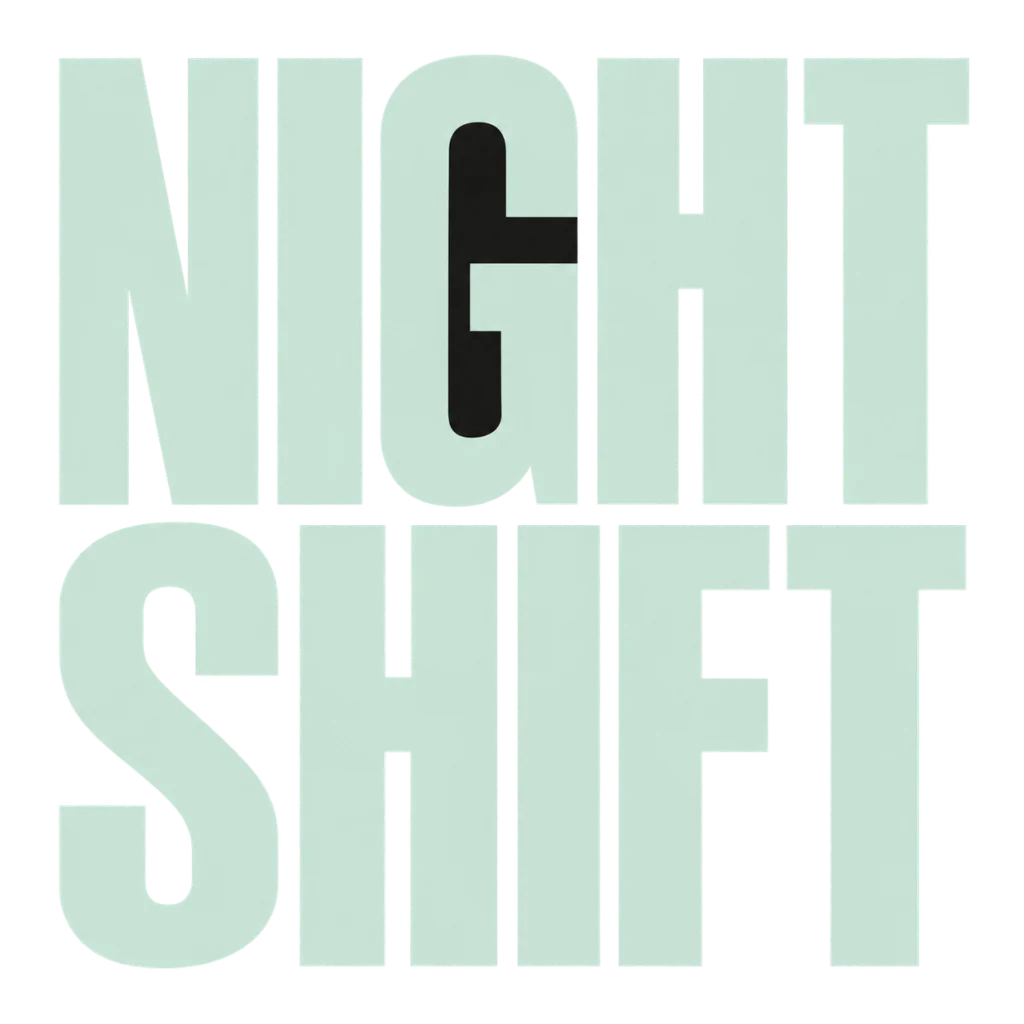
A bold title for an after-dark release.
Use this directionFrom your text to a considered image.
- 01
Enter the approved wording
Start with the exact short film or chapter title within 40 characters, including its punctuation.
- 02
Choose a static direction
Select a palette and continue to Studio. Review the complete lettering and its smallest or lightest strokes.
- 03
Test the title in the edit
Place the PNG in your sequence, adjust its frame and duration, then review ordinary playback and the exported version.
Before you create.
Does this generate an animated title sequence?
No. It creates a square PNG lettering concept. Animation, transitions, sequence timing and video export belong in your video editor.
Can I export a widescreen title card directly?
The current artwork is square. Assemble the final frame at your intended sequence dimensions in a separate editor without stretching the letters.
Can the title sit over moving footage?
This starter has an opaque background. A footage overlay needs separate preparation and contrast checks; transparent or editable title layers are not included.
How long should the title stay on screen?
There is no single duration for every title. Test the actual wording, size and surrounding shots in ordinary playback, then adjust the edit so an unfamiliar viewer can read it.
Can I use Chinese or mixed-language titles?
Supply the exact Unicode text. Inspect every character after generation and check the complete title at the playback size and duration.
Is ECHOES a film made with Minglyph?
No film adoption is claimed. It is an owned September 18 music-cover study reused as a static lettering reference, not a new generated film frame.