 Minglyph
A few words. A whole composition.
Turn a short phrase into a poster where the lettering is the artwork. Use scale, open space and a focused palette to make a message feel bold, calm or quietly personal.
Free public preview · No sign-up required · See plans and downloads
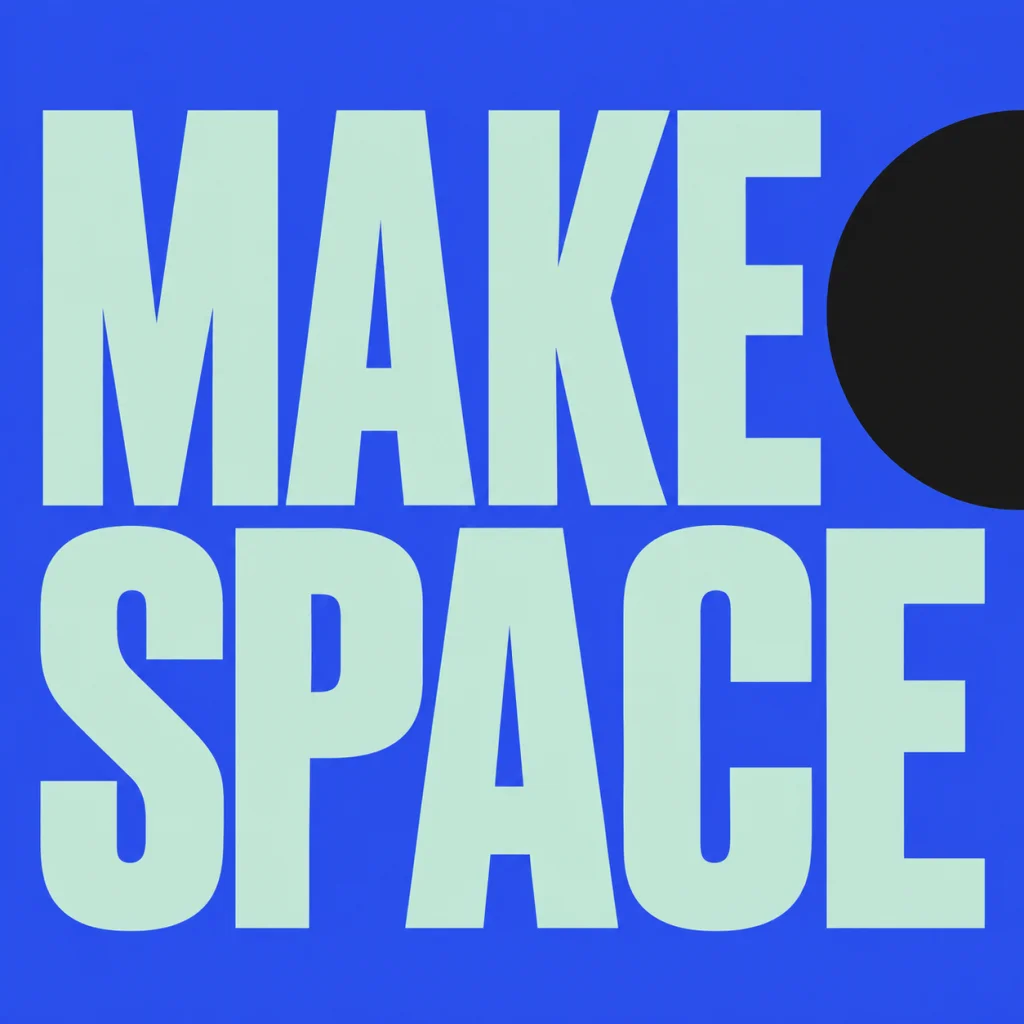
Give the reader one clear first impression.
Choose the phrase before choosing the effect. A short, concrete message leaves space for hierarchy and gives the image a recognizable silhouette. For a two-word phrase, compare a balanced arrangement with one word taking more visual weight. Every character should remain complete even when the composition feels large.
Use space as part of the message.
Open space can make a statement feel reflective; close spacing and heavier letters can make it feel insistent. Pair that choice with a limited palette. The poster starter uses a strong color field and two readable lines, so the main decision is how the words share the square rather than how many decorations surround them.
Plan the destination before exporting.
The artwork is square, which suits social posts and square wall-art studies. Check your intended print size and the downloaded image dimensions before printing. If a poster needs precise event dates, sponsor logos or multiple information blocks, add those in a layout editor after choosing the main typographic artwork.
Another way to approach the letters.
Selected studies with their own briefs. Open a direction and replace the text with yours.
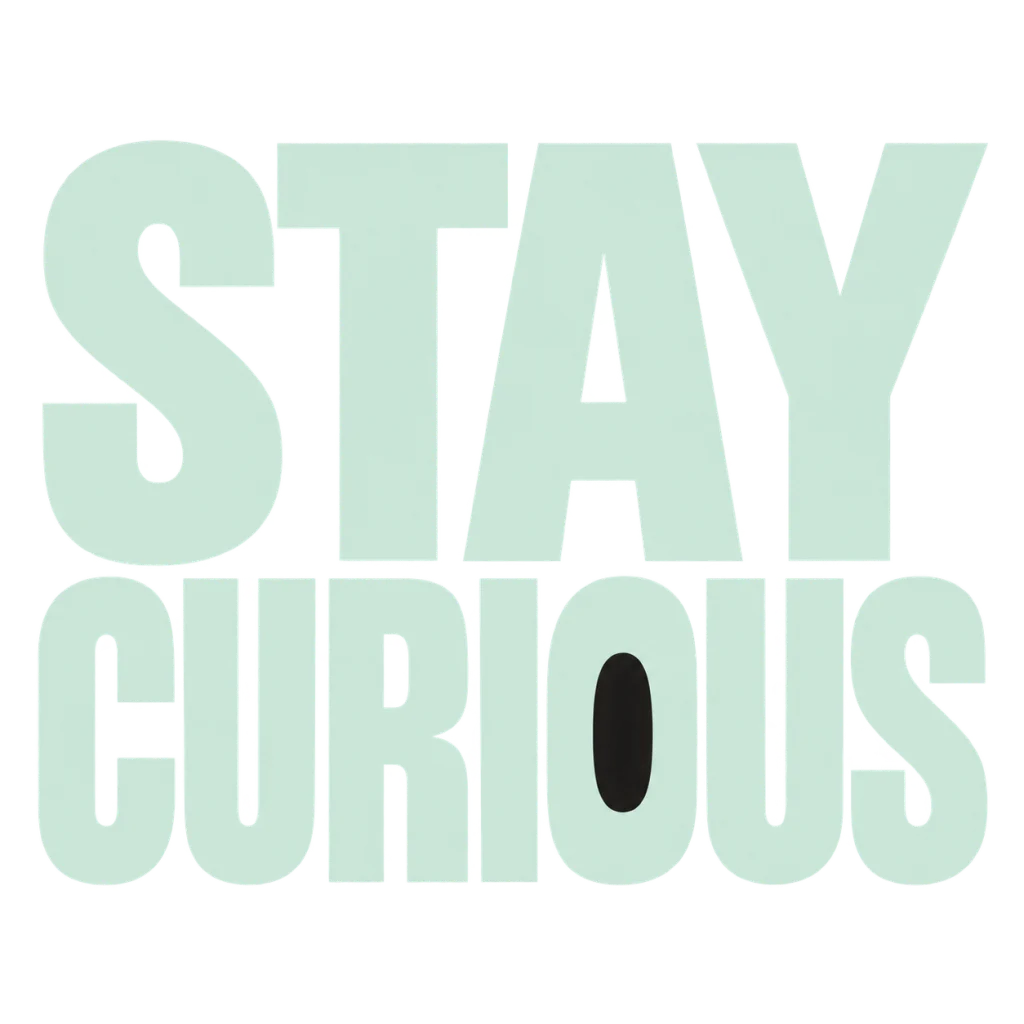
A reminder to leave the next question open.
Use this direction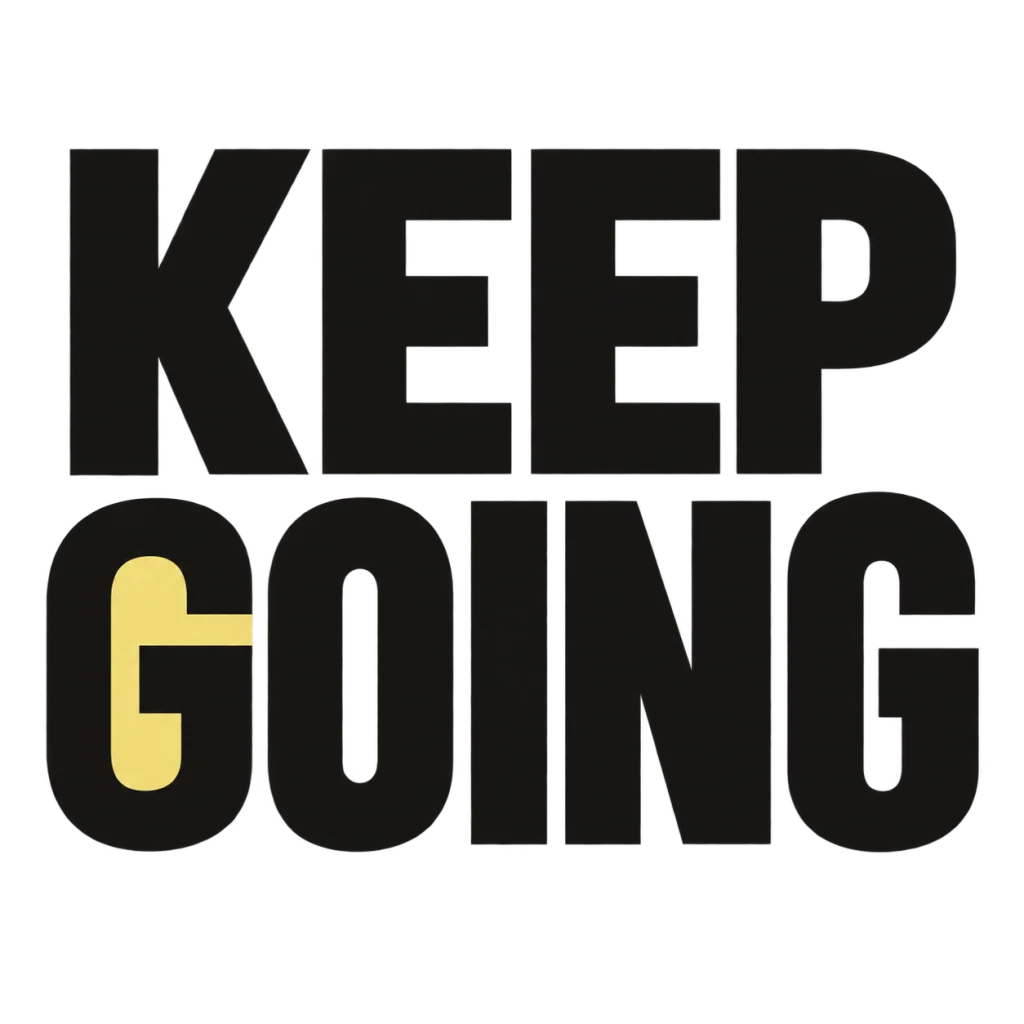
A small nudge for the work that matters.
Use this directionFrom your text to a considered image.
- 01
Write one short message
Enter up to 40 characters, including spaces. Keep only the words that should appear in the artwork.
- 02
Choose the atmosphere
Pick a palette here, then refine the meaning and visual tone in Studio.
- 03
Check the reading order
Inspect every line, punctuation mark and edge. Compare the result at thumbnail size before sharing.
Before you create.
Can I make a quote poster?
Yes, for short quotes within the 40-character input limit. Use wording you have permission to publish and check that all punctuation survives generation.
Can I choose an A3 or portrait canvas?
The current Minglyph generation workflow creates square artwork. Place it in a separate portrait layout if you need a particular paper format; this page does not offer custom canvas dimensions.
Is the poster text editable after generation?
The generated lettering is part of the artwork image. Change the text in Studio and generate another version, or use an external layout editor for additional editable text.
Can I use Chinese or mixed-language text?
Yes. The brief preserves the exact Unicode input. Check Chinese strokes, accents and mixed-script reading order at full size.