 Minglyph
Let the heat follow the letters.
Give a short word or title a burning-material direction. Begin with complete, readable letters, then let charred texture and controlled flame edges suggest heat without turning the word into a wall of fire.
Free public preview · No sign-up required · See plans and downloads
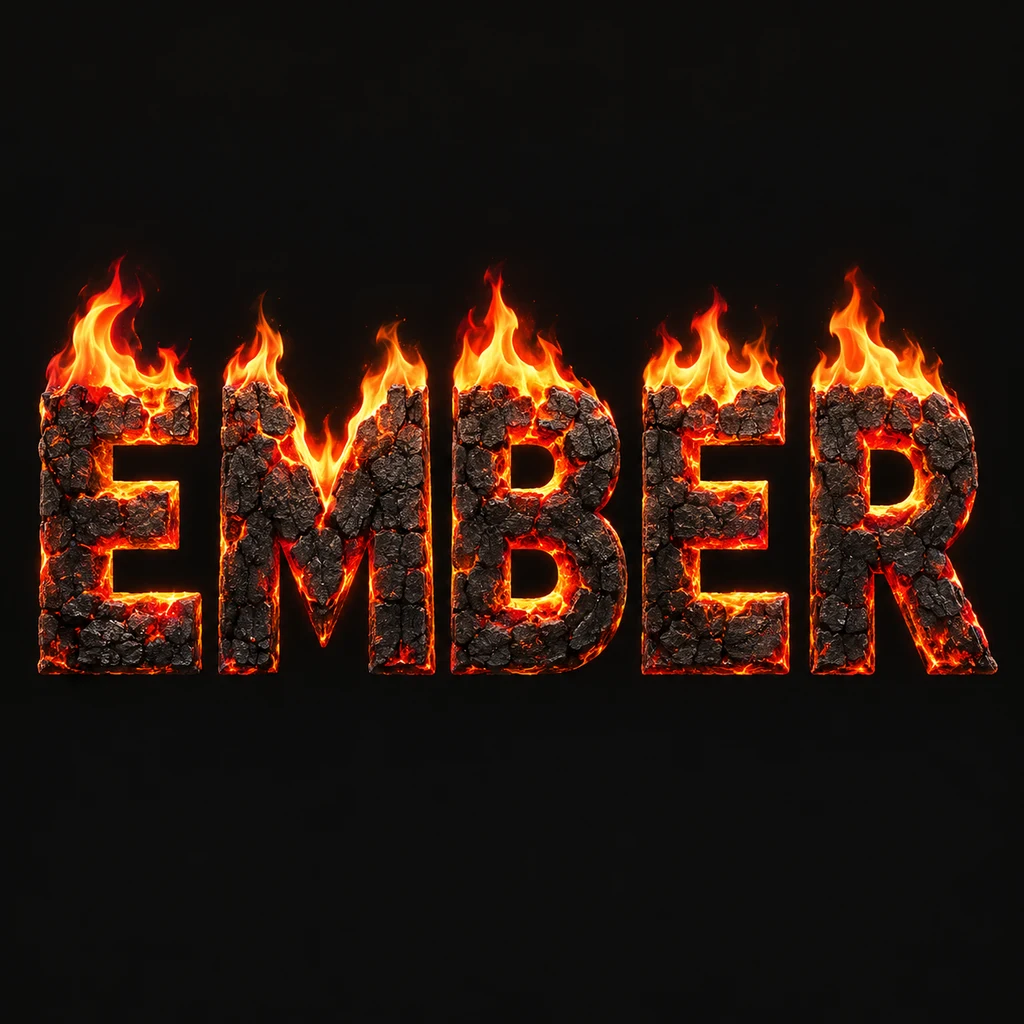
Keep a complete letter under the flame.
EMBER keeps the two E shapes, the M joins, both B openings and the R leg intact. The dark charred bodies carry the spelling before the bright edges carry the feeling. Start with broad stems and generous counters. A flame must not become a substitute for a necessary stroke, and a glowing fissure should not split one letter into two unrelated pieces.
Give each flame its own boundary.
Let a small amount of heat rise from individual letter edges while preserving the spaces between them. A shared plume or heavy smoke can flatten the whole word into one bright shape, especially in a thumbnail. Compare a small view with the full artwork before asking for more intensity. If you want a steady luminous stroke instead of irregular heat around a material body, compare the neon study. Compare a steady neon glow.
Use the energy as a title direction.
A burning word can help explore a music cover, an event title or a personal concept image. Give that strong title enough quiet space in the final composition, and add dates or supporting copy as editable text in your layout editor. Minglyph makes a still square lettering image. It does not simulate combustion, animate flames, produce a physical sign or supply a transparent overlay by default.
Another way to approach the letters.
Selected studies with their own briefs. Open a direction and replace the text with yours.
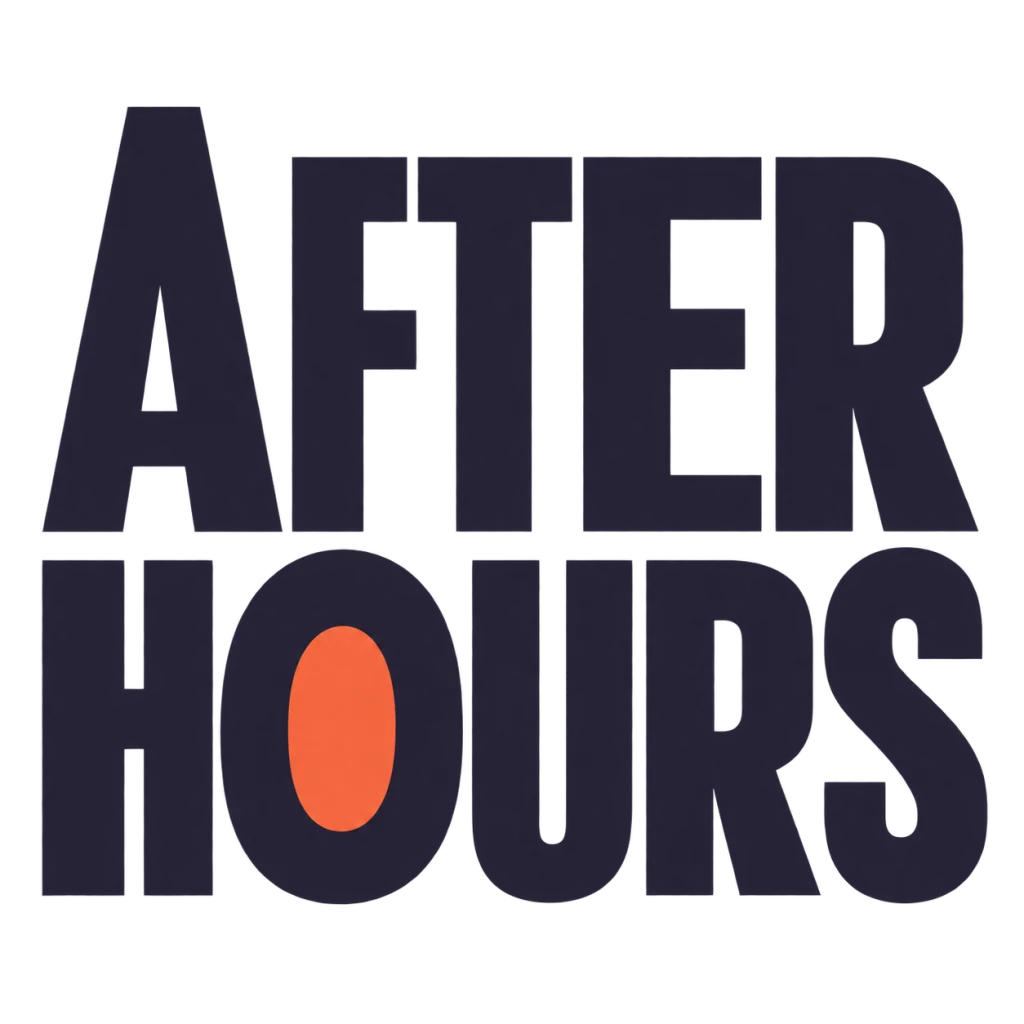
A cover for the hours that feel like your own.
Use this direction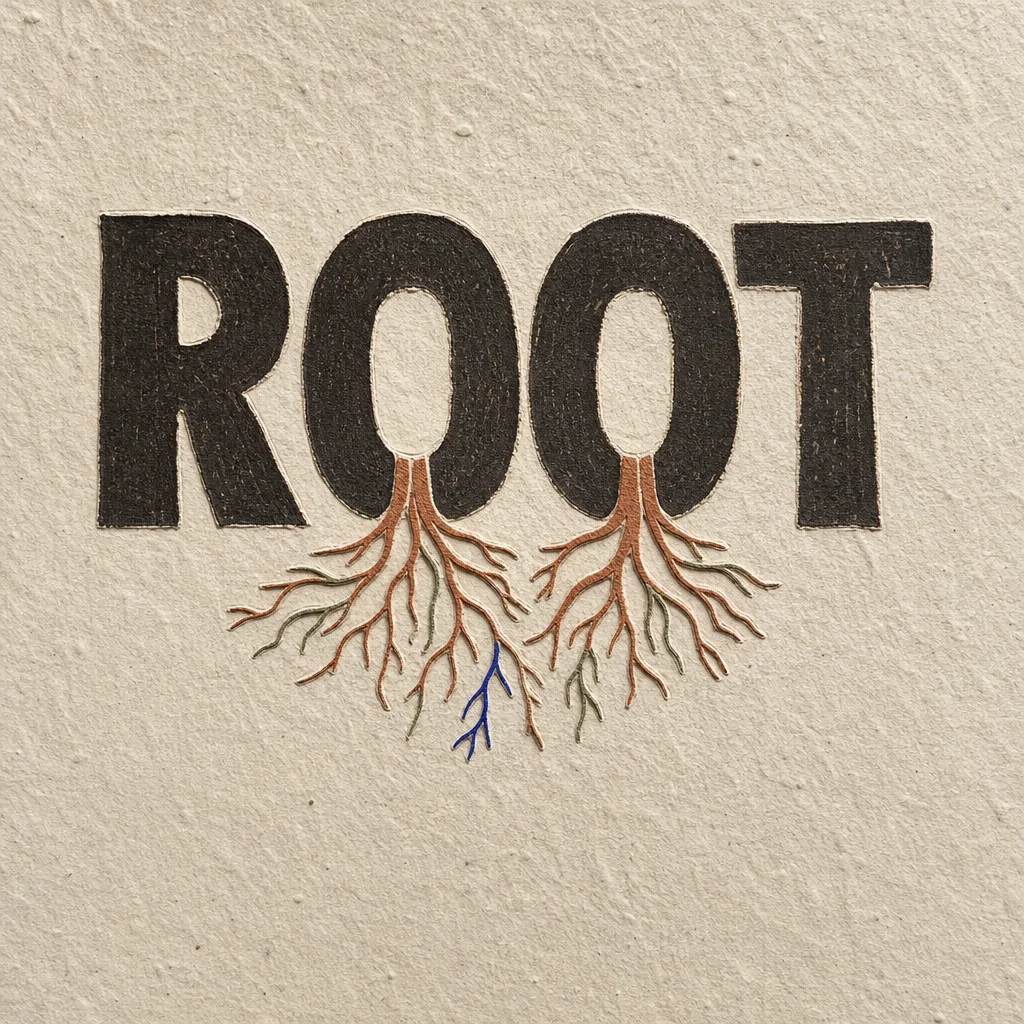
What holds us up is often the part no one sees.
Use this directionFrom your text to a considered image.
- 01
Enter the exact short title
Keep your intended case, accents, spaces and punctuation within 40 characters. Short words leave more room for readable counters and contained heat.
- 02
Describe a controlled heat direction
Choose a palette and open the Organic brief. Ask for whole charred letter bodies, restrained flame edges and separate readable characters rather than a surrounding fire scene.
- 03
Check the word before the flames
Read the thumbnail first. Inspect each stroke and opening at full size, then simplify the heat wherever it closes a counter or bridges neighboring letters.
Before you create.
Does this generate animated fire or a video?
No. This starter produces a still AI lettering image. It does not include motion controls, a flame simulation, video frames or an animated file.
Can I control flame height and char patterns precisely?
Studio accepts an editable written direction rather than numerical flame or material controls. Describe restrained heat or a cleaner surface, then inspect the generated result; exact geometry is not locked.
How is fire lettering different from neon text?
Here a charred letter body stays complete beneath irregular flame edges. The neon direction uses a more consistent luminous tube and halo. Choose the construction that fits your title before increasing its glow.
Can I preserve Chinese characters, accents and punctuation?
The brief carries your exact Unicode wording within 40 characters. Check every small radical, accent and mark after generation; heat must stay quiet enough to keep those features visible.