 Minglyph
Let the letters carry the light.
Create a square title image where complete letters feel like individual illuminated tubes. Begin with a short word and a dark field so the glow supports the reading rather than hiding it.
Free public preview · No sign-up required · See plans and downloads
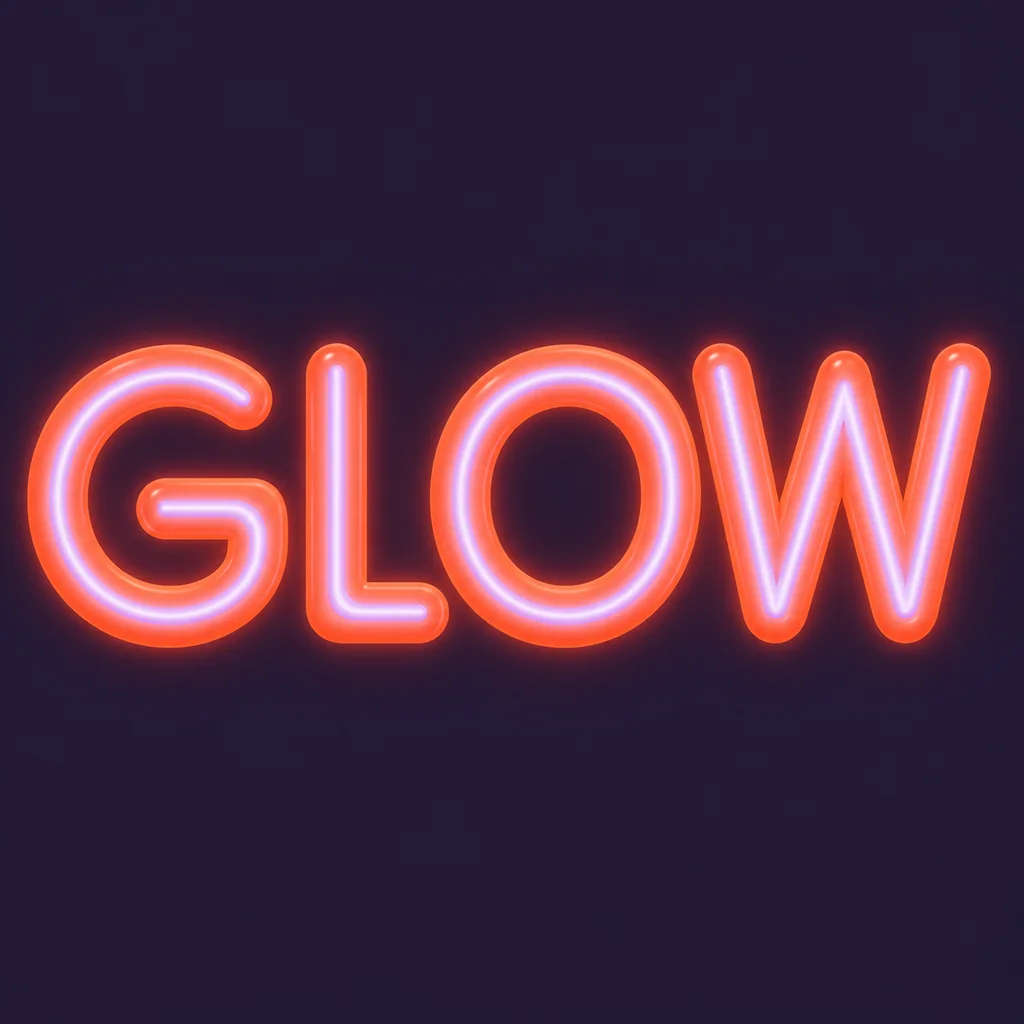
Build the tube around a readable letter.
The GLOW study keeps four separate capitals with clear interiors and joints. Each luminous stroke has a narrow core and a softer halo. Ask for the same light treatment across the word, but keep each letter structurally complete. A thick bloom that fills the G opening or closes the O can turn the word into a bright shape with no readable text.
Give light room to fade.
A dark, quiet background lets the edge of a glow remain visible. Compare a restrained halo with a stronger one at the size of a social tile or cover thumbnail. If every gap becomes the same brightness, reduce the halo or widen the spacing. This visual effect is different from the retro starter’s flat rounded letters and short offset shadow. Compare the flat retro treatment.
Use the image as a title element.
A luminous word can anchor a music tile, event announcement or personal artwork. Put dates, venue details and credits into your layout editor where they remain editable. Minglyph creates square image artwork, not an installable neon font, a physical sign pattern, an animated flicker or a transparent layer. Inspect the generated text before publishing it.
Another way to approach the letters.
Selected studies with their own briefs. Open a direction and replace the text with yours.
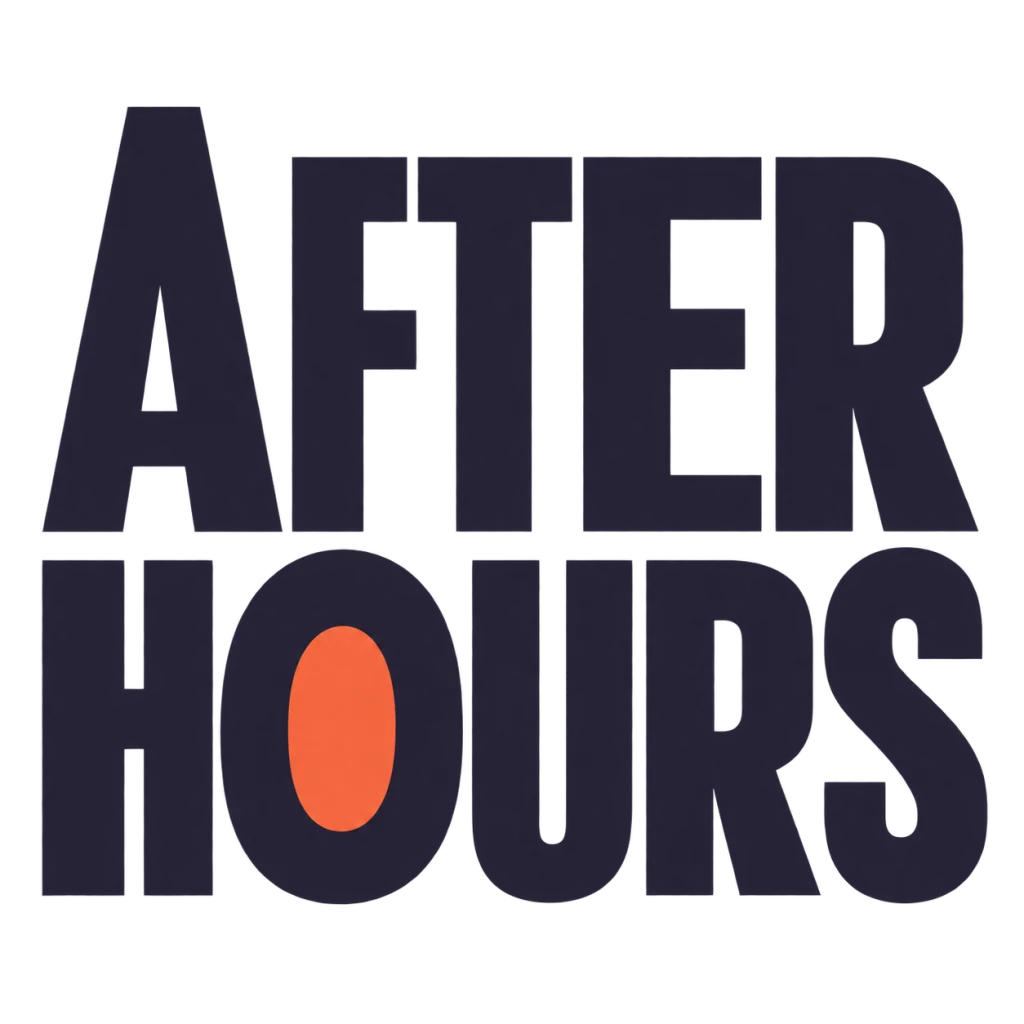
A cover for the hours that feel like your own.
Use this direction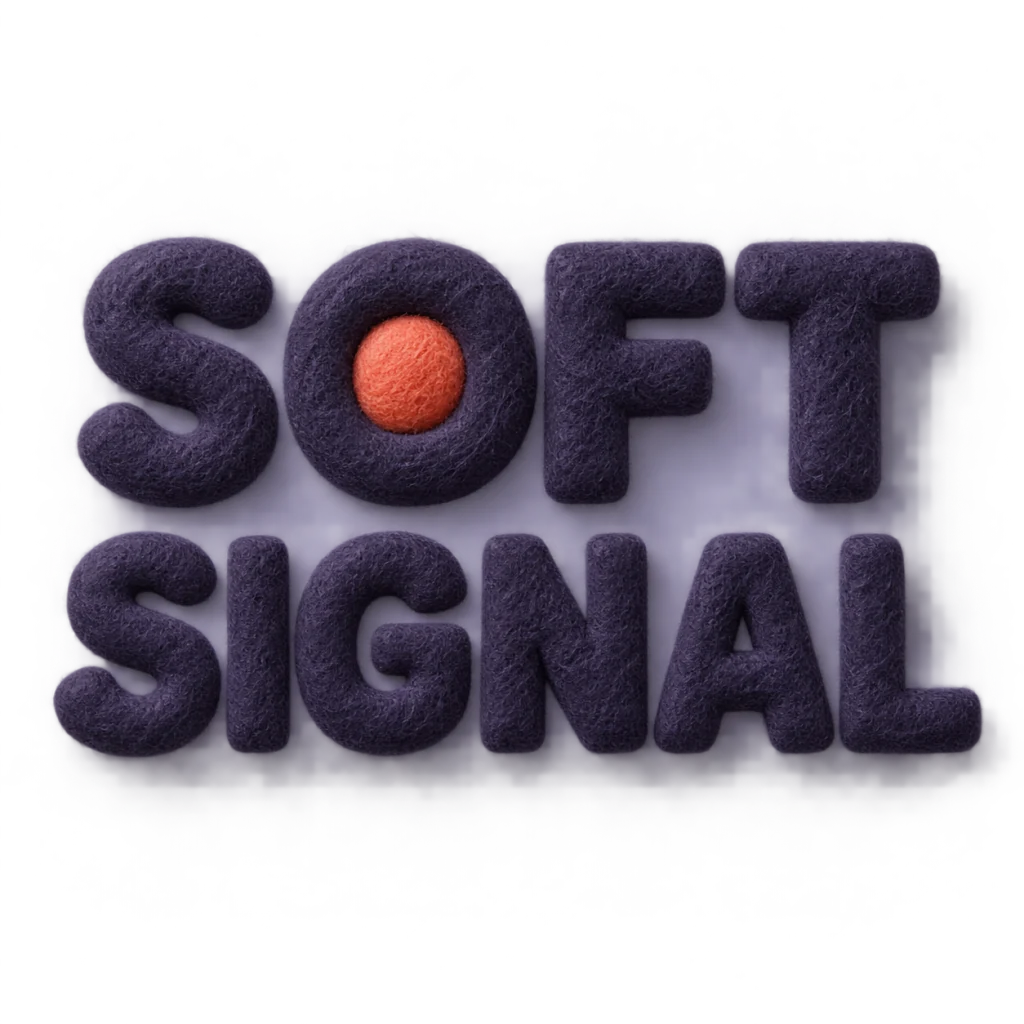
A gentle sound that still gets through.
Use this directionFrom your text to a considered image.
- 01
Enter the exact wording
Use the intended case, spacing, accents and punctuation within the 40-character input limit.
- 02
Describe the light
Choose a palette, open the Graphic poster brief in Studio and describe a tube, luminous core and restrained halo around complete letters.
- 03
Read it small and large
Check the word at thumbnail size first, then inspect every counter, joint and glow edge before downloading.
Before you create.
Does this make an actual neon sign design?
No. It creates a square lettering image for visual exploration. A physical sign needs separate tubing, wiring, size and safety plans prepared with a fabricator.
Can I change the exact glow radius or brightness?
Studio uses a written visual brief rather than numeric glow controls. Describe a smaller or stronger halo and compare the generated result.
Can I download animated neon text or a transparent layer?
This workflow produces a still artwork image with its background. Animation, background removal and editable layers are separate work.
Can I enter Chinese or mixed-language text?
Yes. The brief carries exact Unicode text within 40 characters. Review every character and punctuation mark after generation; fine strokes may need a quieter glow.