 Minglyph
Good words, with a retro rhythm.
Explore a cheerful, seventies-inspired direction for a short title or message. Rounded letters, a limited palette and a compact offset shadow give the wording its character while keeping the composition easy to read.
Free public preview · No sign-up required · See plans and downloads
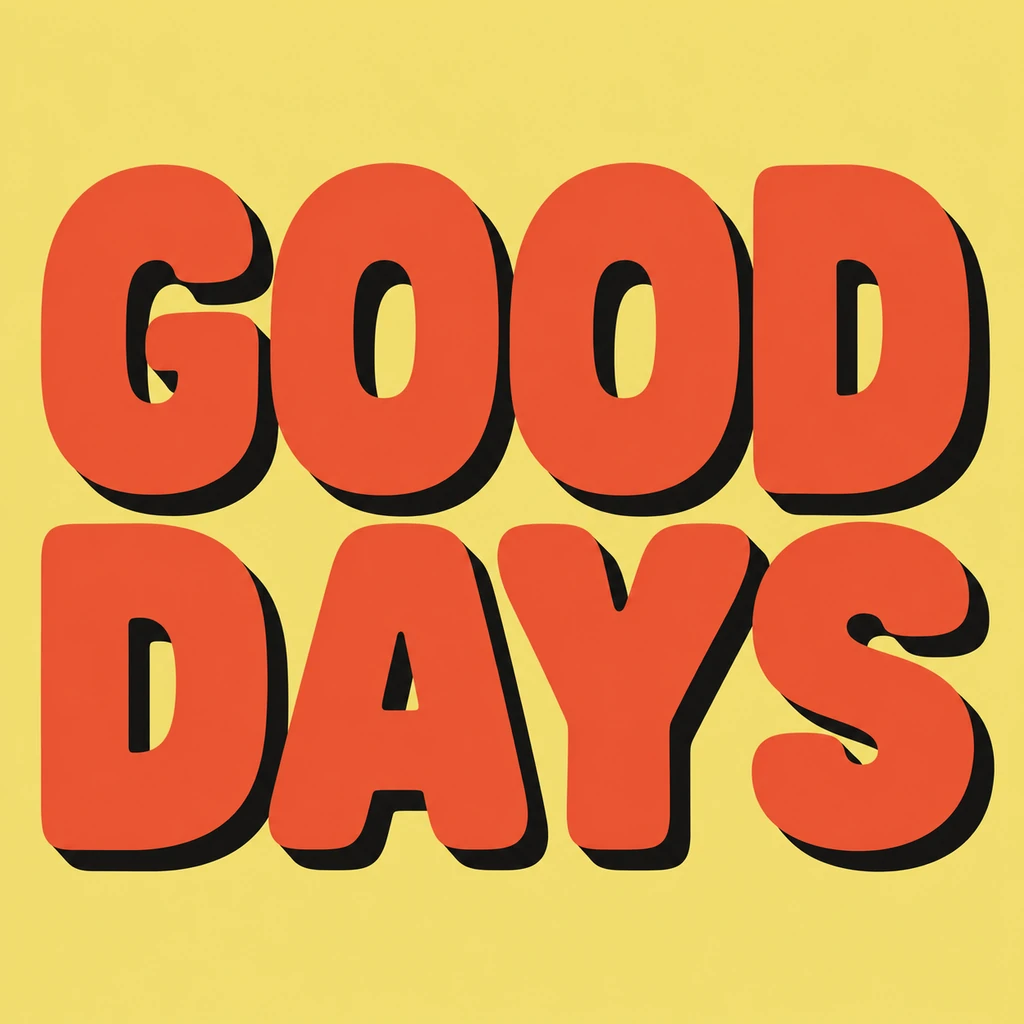
Choose one retro language for the phrase.
Retro can mean several very different things. This starter focuses on chunky rounded display lettering and flat color, as shown in GOOD DAYS. It is a useful direction for an upbeat announcement or a nostalgic title study. Keep the first brief centered on those qualities. Adding chrome, glowing tubes, pixel blocks and worn paper at once makes it harder to judge whether the lettering itself suits your words.
Keep the offset shorter than the letters.
A small solid shadow can give rounded type a printed, dimensional rhythm without turning it into a sculptural object. Follow its edge around narrow spaces and inside counters: it should not close an O or fill the gap between adjacent letters. In a two-line phrase, leave enough vertical space for the shadow to stop before the next word. Compare repeated letters so the offset direction feels consistent across the composition.
Balance the phrase before adding other information.
Two short words can form a compact square, but they do not need identical widths. Keep the reading order obvious and let the natural word lengths guide the arrangement. For a party graphic or a music announcement, begin with the title here and place the date, venue and credits in a separate layout. Check the chosen artwork at thumbnail size; the broad shapes should hold together even when the offset becomes a thin edge.
Another way to approach the letters.
Selected studies with their own briefs. Open a direction and replace the text with yours.
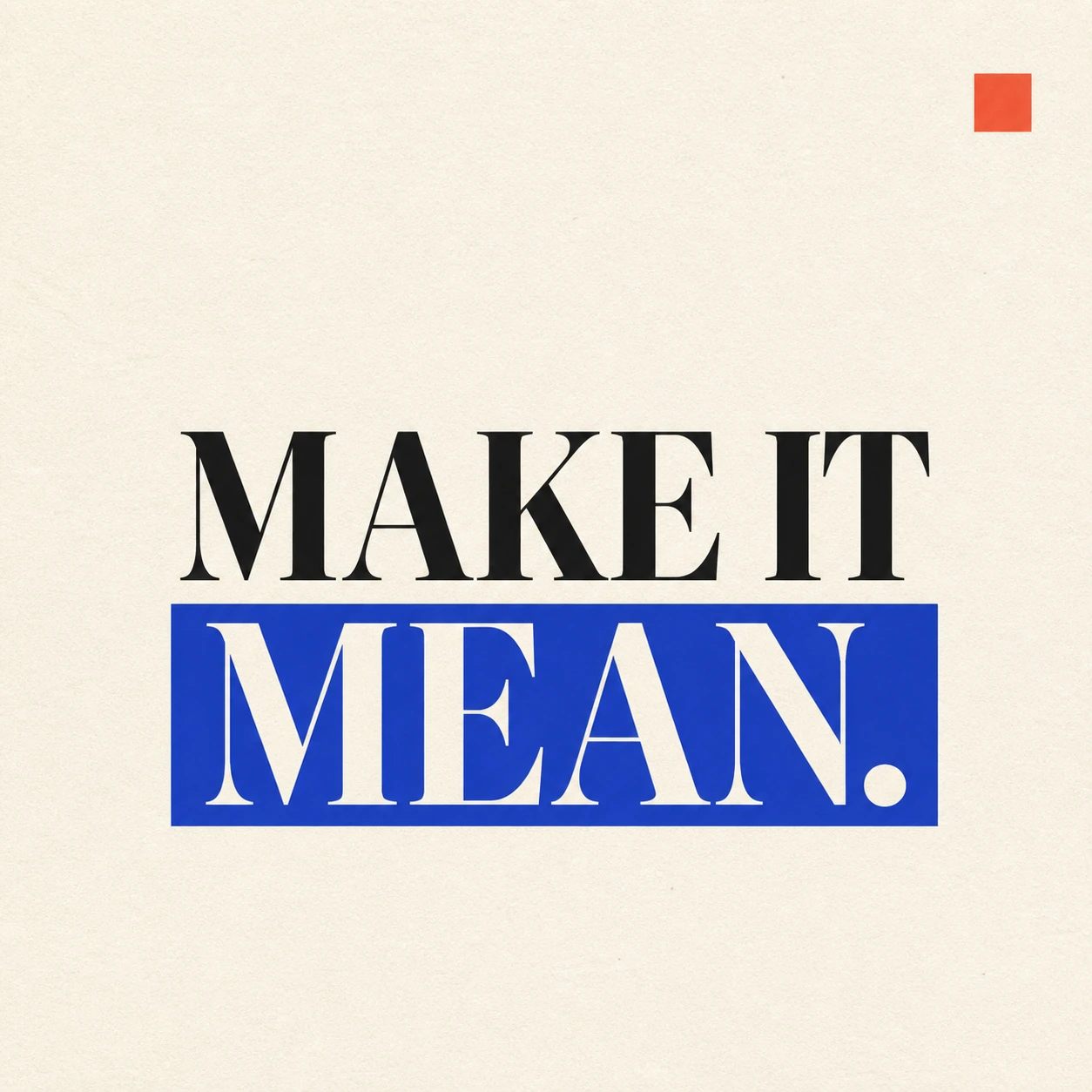
A strong visual rule makes a short statement land.
Use this direction
A reminder to leave the next question open.
Use this directionFrom your text to a considered image.
- 01
Write the words to display
Enter the exact case, spacing and punctuation, within 40 characters. A short phrase gives the rounded forms room to breathe.
- 02
Pick the color mood
Open the Graphic poster brief with your selected palette. Sunshine starts with warm colors; refine the letter weight or offset in Studio.
- 03
Review the reading rhythm
Check letter openings, word order and the space around shadows. Compare a small preview before choosing a version for your layout.
Before you create.
Which retro style does this page start with?
It starts with rounded, seventies-inspired display lettering and one short flat offset shadow. It is not a preset for neon, metallic chrome or pixel art. The Studio brief remains editable if you want to explore another direction.
Does this generate an installable retro font?
No. Each result is a square artwork image of your chosen text. It does not create a font file, editable letter outlines or a consistent alphabet for use in other applications.
Can I control the shadow distance numerically?
This workflow uses a written brief rather than a shadow-distance slider. Describe a shorter or lighter offset and review the next image. A separate design editor is better when you need exact geometric measurements.
Will it preserve my lowercase text or Chinese characters?
The brief asks for your exact Unicode text, including case and punctuation. Review the result carefully: rounded styling must not merge letters, lose small marks or change a Chinese character’s structure.