 Minglyph
An impression made by the letters.
Explore the look of ink pressed into cotton paper. Use your name or a short headline to study a stationery direction, with subtle recessed edges and enough contrast to keep the words clear.
Free public preview · No sign-up required · See plans and downloads
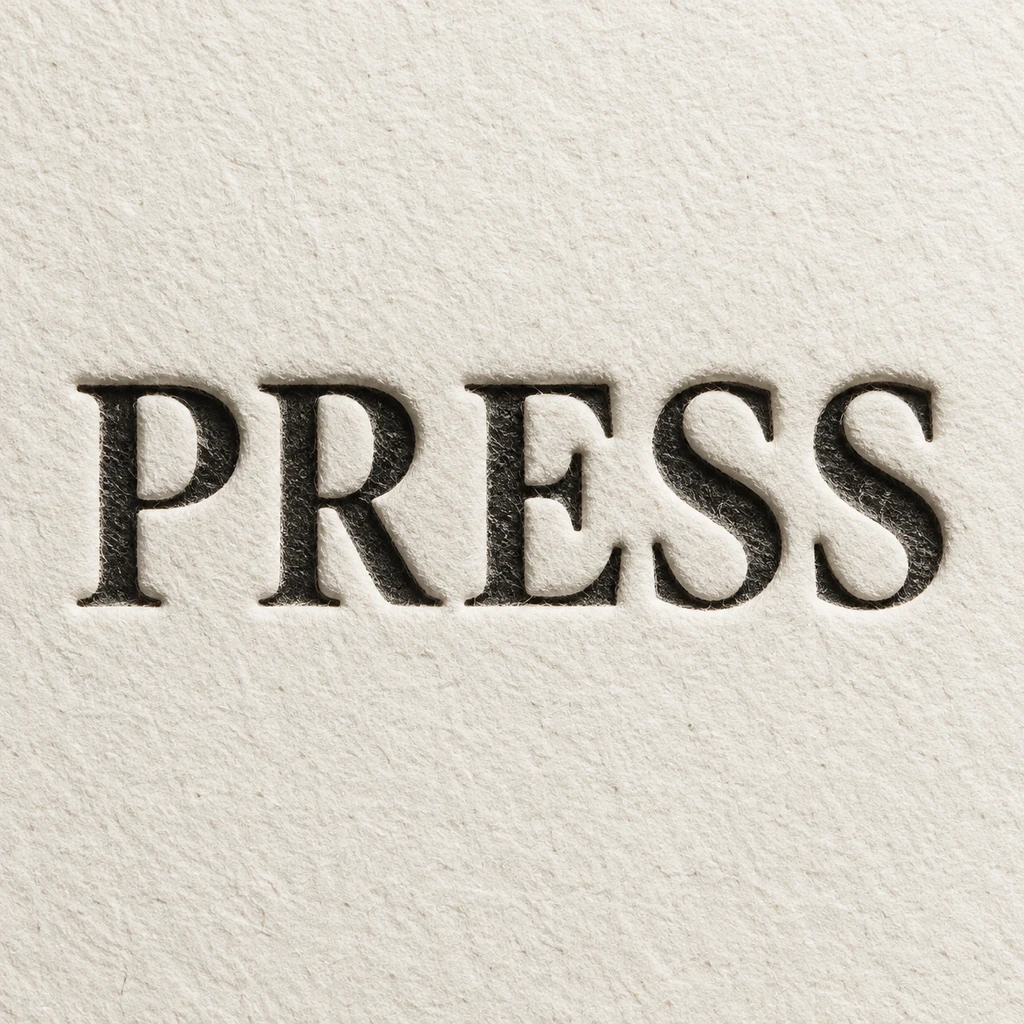
Start with ink and a shallow impression.
The PRESS study uses dark lettering on warm paper, with a small change in light around the recessed edges. That narrow edge is enough to suggest pressure. Ask for a shallow impression before trying deeper cuts: a large bevel can make the letters look carved from stone, while a long outside shadow can make them appear to float above the sheet. Keep the ink shapes easy to read.
Keep paper grain quieter than the wording.
Use one restrained paper texture across the square, then check how it behaves inside the letters and around the counters. Grain that breaks a thin stroke into pieces makes the image harder to read. Review repeated letters for consistent weight and inspect punctuation separately. For a small stationery heading, judge the word at its intended display size instead of choosing a result only for impressive close-up detail.
Separate the visual study from the print artwork.
Use the generated image to compare a name, a paper mood and the apparent depth of the impression. If you plan a physical letterpress piece, prepare the selected design with your printer in the required file format. Confirm their guidance for line thickness, reverse type, ink colors and paper before making a plate. A convincing digital shadow is a visual choice, not a measurement of how a press will mark paper.
Another way to approach the letters.
Selected studies with their own briefs. Open a direction and replace the text with yours.
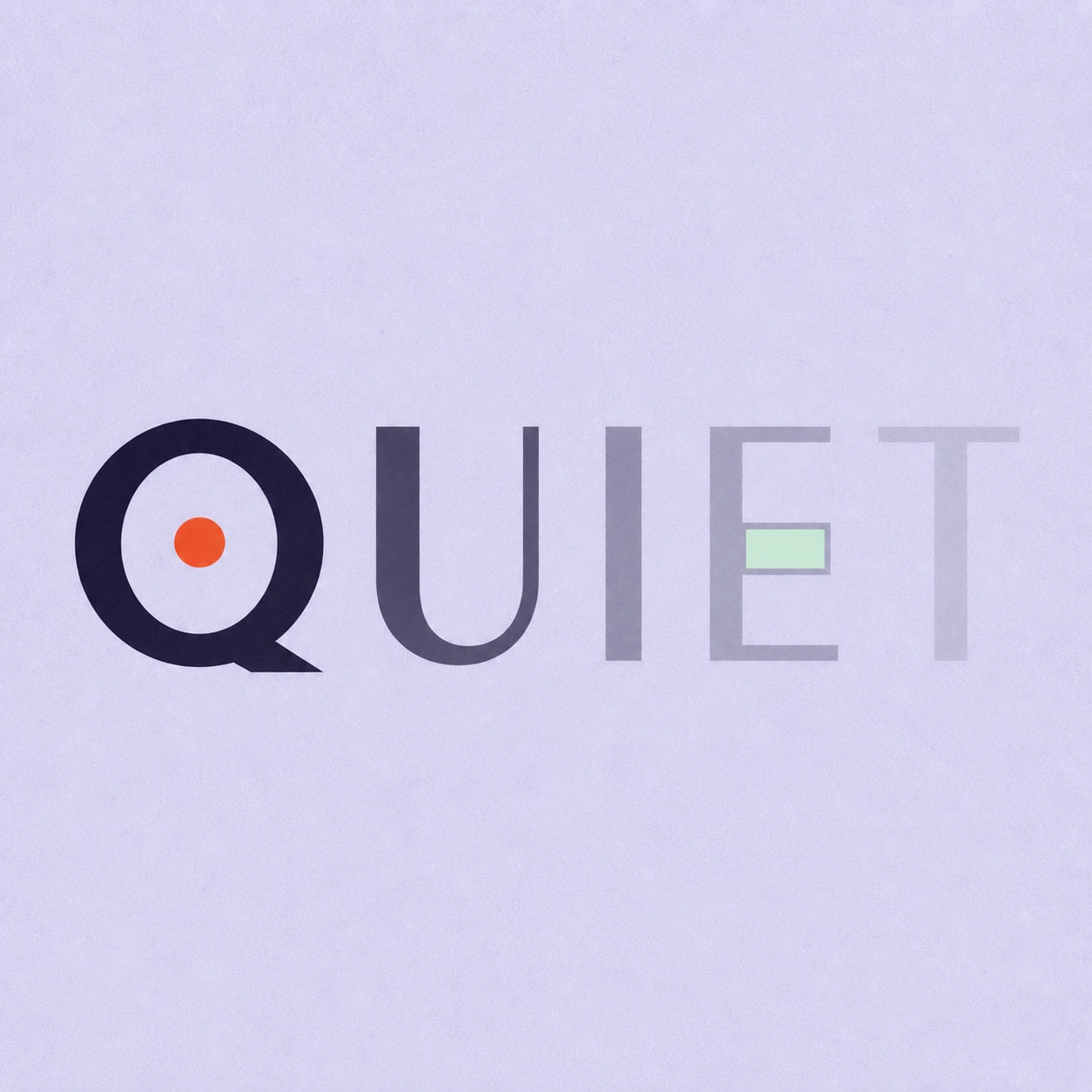
Silence is not empty. It is space kept deliberately.
Use this direction
A clear direction for an ambitious idea.
Use this directionFrom your text to a considered image.
- 01
Set the words to be impressed
Enter the exact name or headline, including accents and punctuation. Leave addresses and supporting copy for the final stationery layout.
- 02
Open the paper-and-ink brief
Choose a palette and continue to Studio. Refine the paper grain and shallow impression while keeping the letters complete.
- 03
Check the ink before the texture
Read the small preview, then inspect full-size edges. Select a clear concept and prepare separate production files if you intend to print it.
Before you create.
Is this an inked letterpress effect or a blind deboss?
This starter asks for inked lettering with shallow recessed edges. A blind deboss has no ink and relies on the paper impression for visibility; that is a different visual brief and is not the effect shown here.
How is this different from paper-cut text?
Paper-cut lettering uses separate cut shapes, layered edges and the shadows between them. This effect keeps a continuous paper surface and suggests that the lettering has been pressed into it.
Can I send the generated image directly for platemaking?
Treat it as a concept image. It does not provide vector separations, measured relief or a print-ready plate file. Ask your printer how the selected lettering should be rebuilt and which file specifications they need.
Can I change the wording and colors?
Yes. Your exact text and selected palette carry into an editable Studio brief. Ink is the default palette for the sample. Check the resulting text against your input, especially small accents, Chinese strokes and punctuation.