 Minglyph
A small set of letters. A personal mark.
Start a monogram with the initials that matter to you. Explore a shared lettering rule and considered spacing, keeping each initial recognizable in a compact visual study.
Free public preview · No sign-up required · See plans and downloads
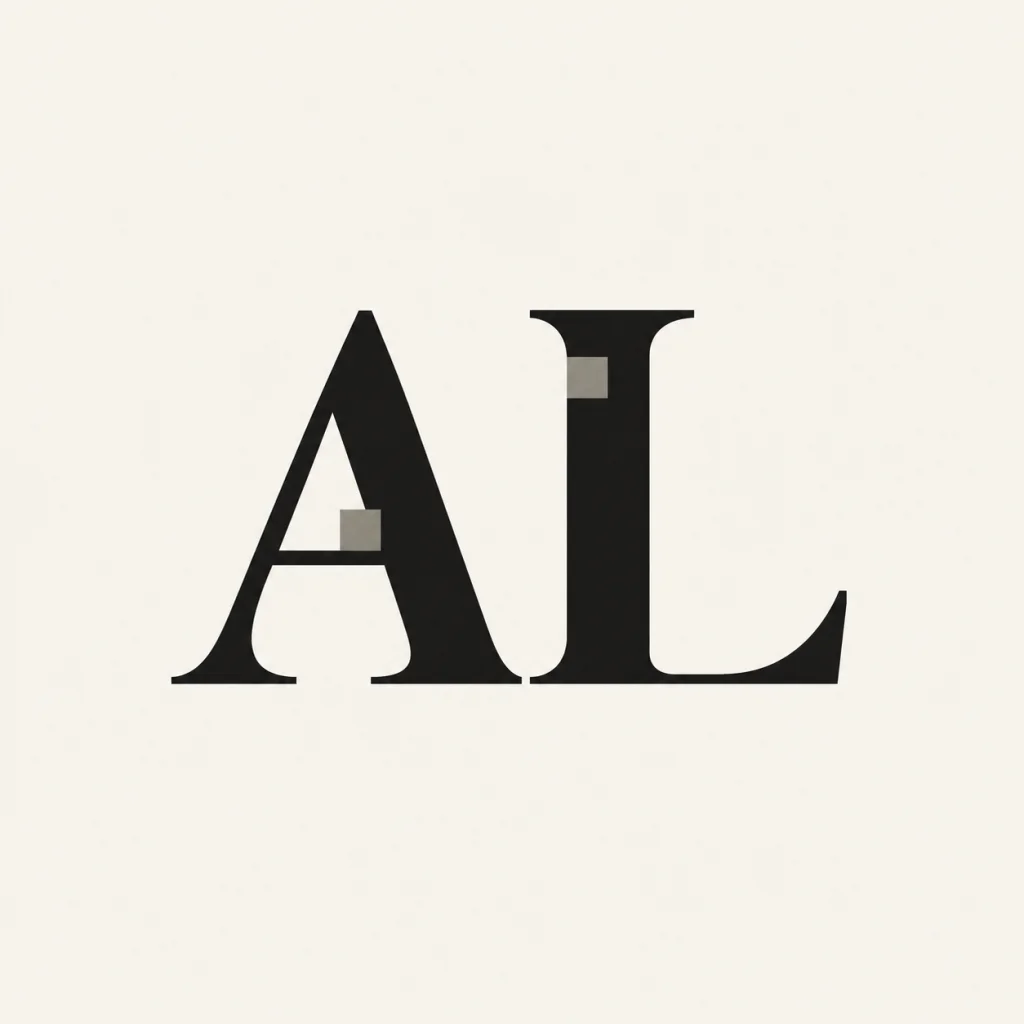
Set the order explicitly.
Initials can be arranged in different ways for a person, a couple or a business. Enter the exact sequence you want; the tool should not choose that convention for you. Two or three letters are a practical starting point because they leave room to compare shape, balance and the space between them.
Find a shared detail instead of forcing an overlap.
Related serifs, matching proportions or a repeated notch can make separate initials feel like one identity. The starter preserves distinct letters and gives them a shared structural move. This is especially useful when heavily intertwined forms would make one of the initials hard to recognize at a small size.
Treat the concept as a starting point.
A monogram study can guide a personal mark, a gift or a small brand identity. Check every initial, then try a small-size view and the background where you expect to use it. For embroidery, engraving or cutting, have the final design prepared and checked for that production process rather than assuming the rendered image is machine-ready.
From your text to a considered image.
- 01
Enter the initials
Keep the order and capitalization deliberate. Begin with two or three characters.
- 02
Choose the visual character
Use the restrained initial preset and select a palette. Refine the structural idea in Studio.
- 03
Check each letter separately
Make sure every initial is complete before judging the combined mark and its small-size reading.
Before you create.
Does the generator choose my monogram initials?
No. You provide the exact initials in the order you want to see. The workflow explores how those letters can form a coherent visual identity.
Can it make an interlocking monogram?
This starter favors distinct, readable initials with a shared visual rule. It does not provide precise controls for intertwined vector paths or guaranteed letter overlap.
Can I download an embroidery or cutting file?
The generated result is artwork. Digitized embroidery, engraving and cutting files require separate preparation and verification for the target machine.
Can I use a Chinese character as a personal mark?
Yes. Minglyph also supports Chinese and mixed Unicode text. For a full Chinese name, the Chinese name art page offers a more suitable starting brief.