 Minglyph
Give your show a title people can see.
Start a podcast cover with the words listeners will look for. This podcast cover art generator opens a bold, title-led direction in Studio: your exact show name, a focused palette and room around the letters. Use the result to choose a design before preparing the final upload file.
Free public preview · No sign-up required · See plans and downloads
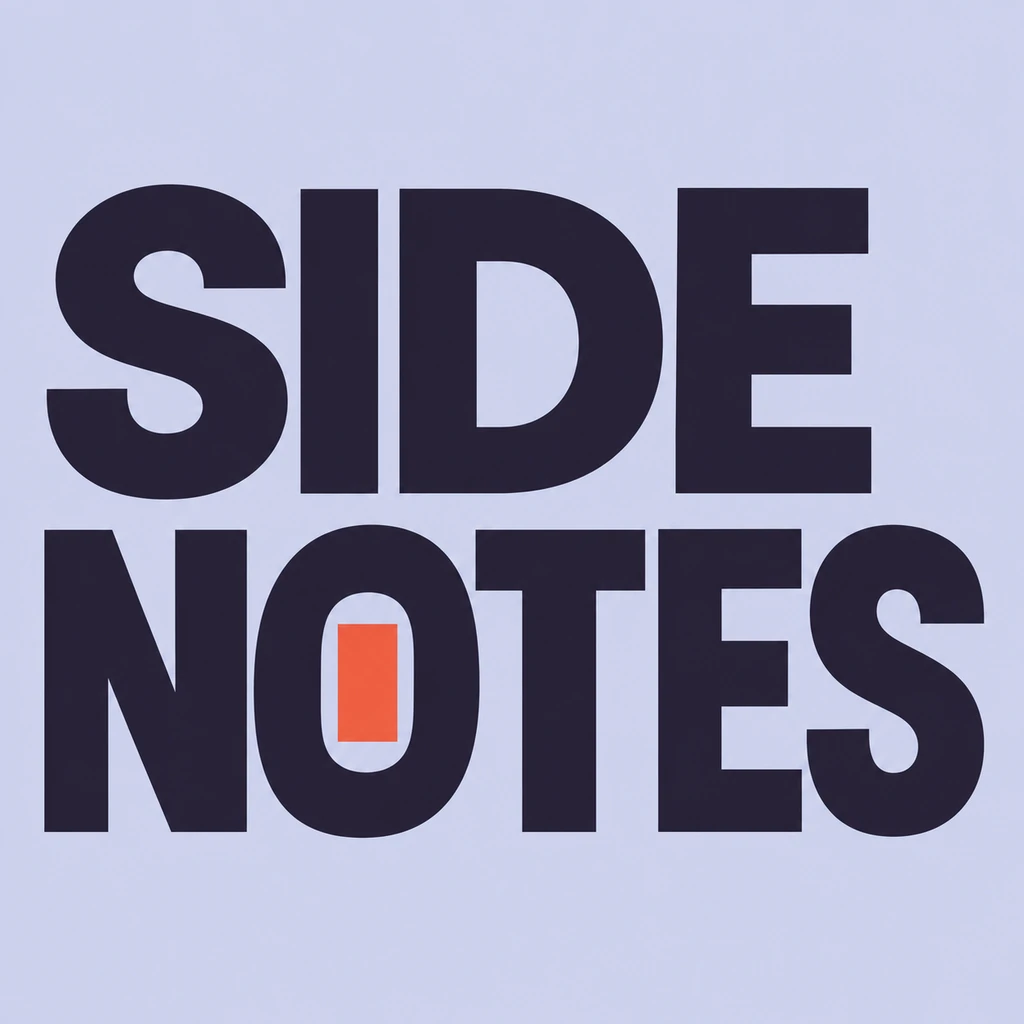
Design for the small tile first.
Imagine the cover sitting beside several other shows on a phone. The title needs to survive that small view before a subtle visual idea can matter. SIDE NOTES uses two separate word blocks and a strong light-dark contrast. For your title, test a thumbnail around 120 pixels wide: can someone read it without knowing the name already? If not, simplify the composition or shorten the supporting copy in your later layout.
Separate the show from the episode.
A show cover gives the series a consistent identity. Episode artwork may carry a changing subject, guest or number, but putting every detail into the main cover makes its title compete for space. Start here with the show name alone. In Studio, describe its tone and audience in the brief without adding those notes to the exact text. Keep the chosen palette and title treatment as references when planning later episode artwork.
Prepare the file for its destination.
Keep the title comfortably inside the square and compare it with your directory’s current artwork template and safe area. Check the actual download’s pixel dimensions, file format and background before upload. The 1024-pixel example on this page is a design study, not a directory-ready master. Prepare a suitably sized final file separately; simply enlarging a small image will not restore missing letter detail. Review the uploaded thumbnail as well as the source image.
Another way to approach the letters.
Selected studies with their own briefs. Open a direction and replace the text with yours.
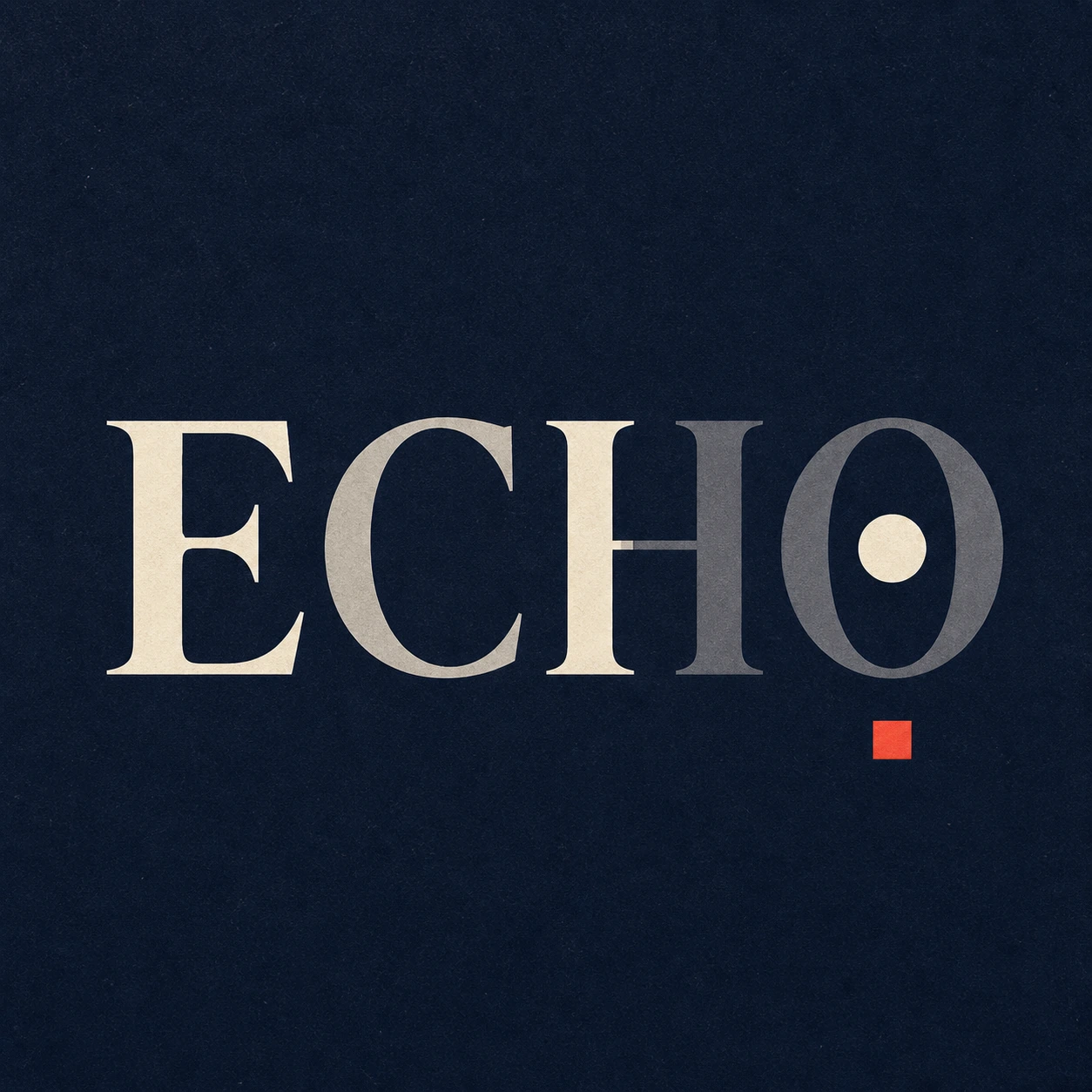
What remains after the sound is gone.
Use this direction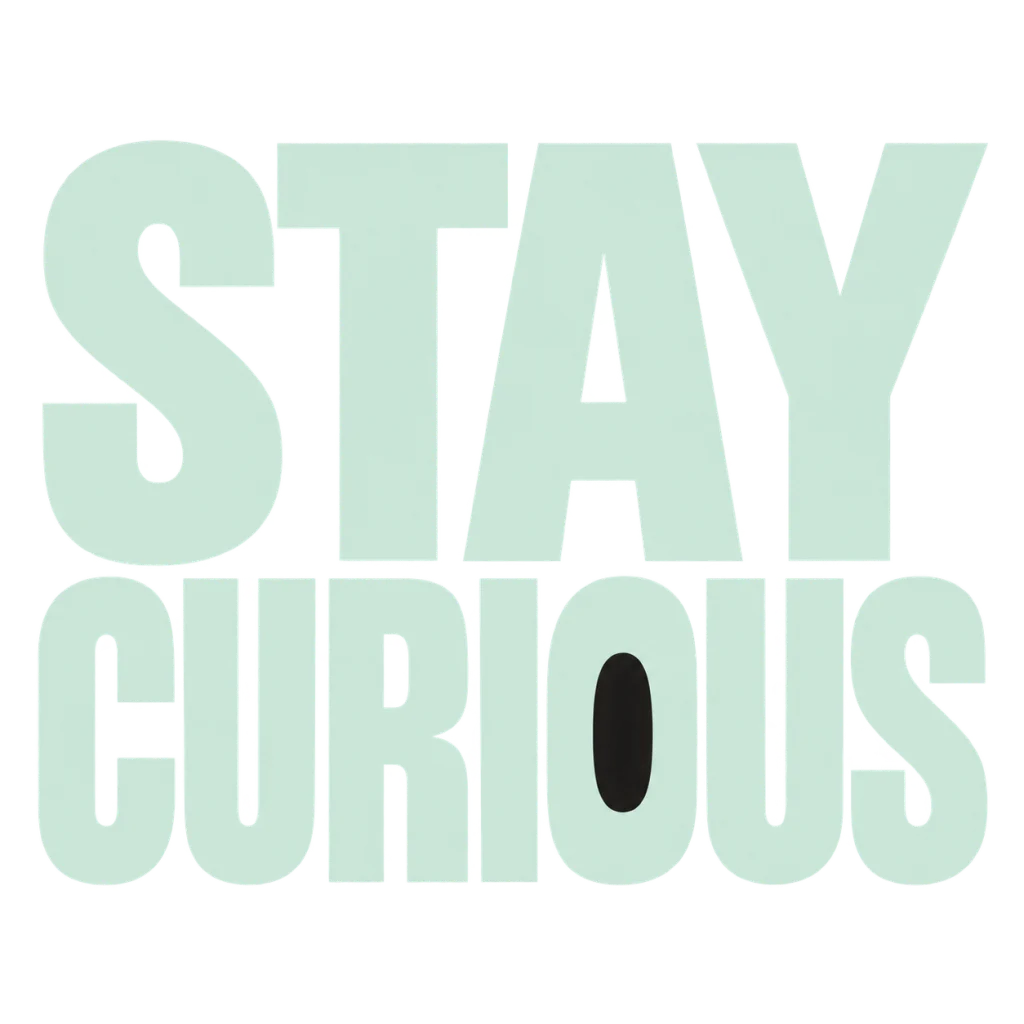
A reminder to leave the next question open.
Use this directionFrom your text to a considered image.
- 01
Enter the show name
Use the exact spelling and punctuation, within 40 characters. Keep host credits and episode descriptions in a separate layout.
- 02
Set the show’s tone
Choose a palette, then use the Graphic poster brief in Studio. Describe one quality such as thoughtful, lively or direct.
- 03
Review at listening size
Inspect every letter and a small thumbnail. Prepare the final cover to your hosting service’s current artwork specifications.
Before you create.
Does this produce a finished podcast upload file?
It produces a square typography concept. Check the actual Studio download and the current requirements of your host or directory before submitting it. This page does not guarantee a 3000-pixel master or platform acceptance.
Can I put a host portrait or microphone on the cover?
This starter focuses on the show title and a small detail inside the letters. It does not offer a portrait upload or a microphone layout here. Use a separate composition tool if your cover needs those elements.
Can I use a Chinese or mixed-language podcast title?
Yes. Enter your exact Unicode text, including spaces and punctuation, within the 40-character limit. Check character structure, line order and readability at the smallest display size.
Will it create all my episode covers from an RSS feed?
No. This page opens one editable Studio brief at a time. It does not read a feed, add episode metadata or automatically maintain a series of covers.