 Minglyph
Make the opening words readable across the room.
Explore a short talk headline as lettering artwork. Place the square concept inside your presentation canvas, keep the subtitle and speaker details editable, and review the opening slide at the distance where people will see it.
Free public preview · No sign-up required · See plans and downloads
Give the opening one clear reading sequence.
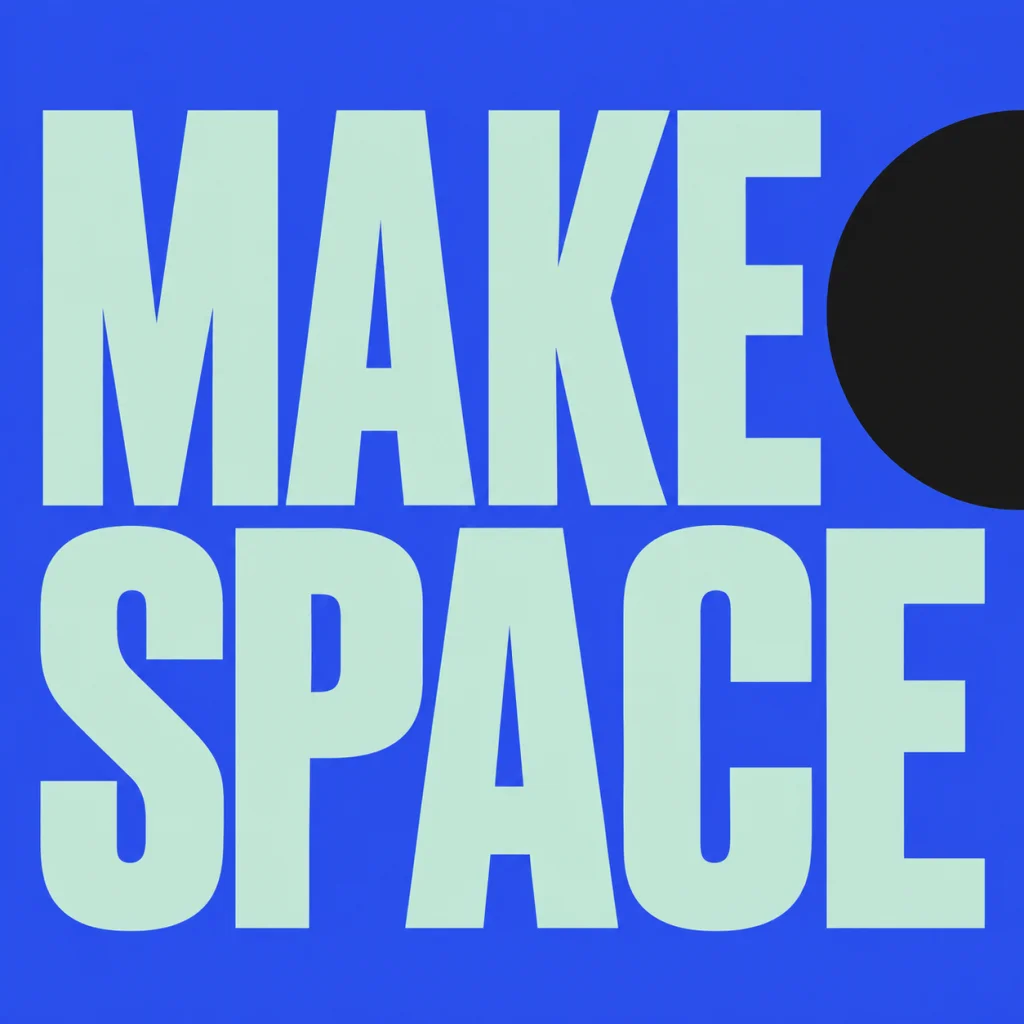
Choose the words that introduce the talk, then decide whether the subtitle or speaker information comes next. MAKE SPACE is an earlier owned square poster study, with two complete mint reading lines and a dark circular field at the upper right. It shows a bold headline component rather than a finished presentation. A quieter business or project name can lead an opening just as well if it suits the audience. Compare a quieter name-led opening.
Place the square inside the presentation canvas.
Set the deck aspect ratio in your slide editor before judging the headline. Keep the square artwork proportional inside the wider composition instead of stretching it to fill the screen. Add the subtitle, speaker and occasion as live text around it. View the whole opening at a small preview and, when possible, on the actual display from the audience position. Test proportions and reading together; a detailed letter that works up close may disappear across a room. Compare a message-led poster study.
Keep a real slide title in the deck.
A PNG has no editable letterforms or slide-title semantics. In PowerPoint, retain a title placeholder containing the actual opening title, even if you position it outside the visible composition. Give the artwork a suitable text alternative, inspect reading order and run the deck accessibility checks. Keep speaker information and the subtitle editable. Minglyph supplies a title-image concept; the final deck structure and presentation review happen in the slide editor.
Another way to approach the letters.
Selected studies with their own briefs. Open a direction and replace the text with yours.

A small nudge for the work that matters.
Use this direction
A clear voice for a thoughtful brand.
Use this directionFrom your text to a considered image.
- 01
Choose a short opening headline
Enter the exact phrase within 40 characters. Leave the subtitle, speaker and date for the presentation layout.
- 02
Refine the lettering direction
Select a palette and continue to Studio. Ask for complete words and a clear first reading, then inspect the generated wording before using it.
- 03
Test the opening in the real deck
Place the image proportionally inside the slide, keep its title available as text and review the complete composition at screen and audience distance.
Before you create.
Does this generate a PowerPoint file or a whole slide deck?
It creates a square AI lettering image for exploring an opening headline. Assemble the presentation and export its deck file in your own slide editor.
Can I choose a 16:9 image here?
The current output is square. Place it without distortion in a 16:9 or other presentation canvas, with surrounding space and separately editable supporting text.
Should I replace the PowerPoint title placeholder with the PNG?
Retain an actual text title for the slide. PowerPoint supports a hidden off-slide title placeholder when the visible composition uses an image. Review reading order, text alternatives and accessibility in the final deck.
Why does the example say MAKE SPACE?
It is an owned historical poster study reused as a bold opening-headline component. It is not a newly generated slide, a real talk announcement or proof of projector readability.
Can I use a mixed-language talk title?
Yes. Supply exact Unicode text within 40 characters and check punctuation and character structure. Preview the lettering with the subtitle and speaker information in the completed opening slide.