 Minglyph
Give the offline player a clear message.
When a stream is offline, a short title can make the waiting screen feel like part of the channel. Explore a lettering image, then place it in the complete video-player banner in your layout editor. Keep the channel name and changing information editable. This starter creates a square PNG component; it does not upload a banner or connect to Twitch.
Free public preview · No sign-up required · See plans and downloads
Decide which screen you are designing.
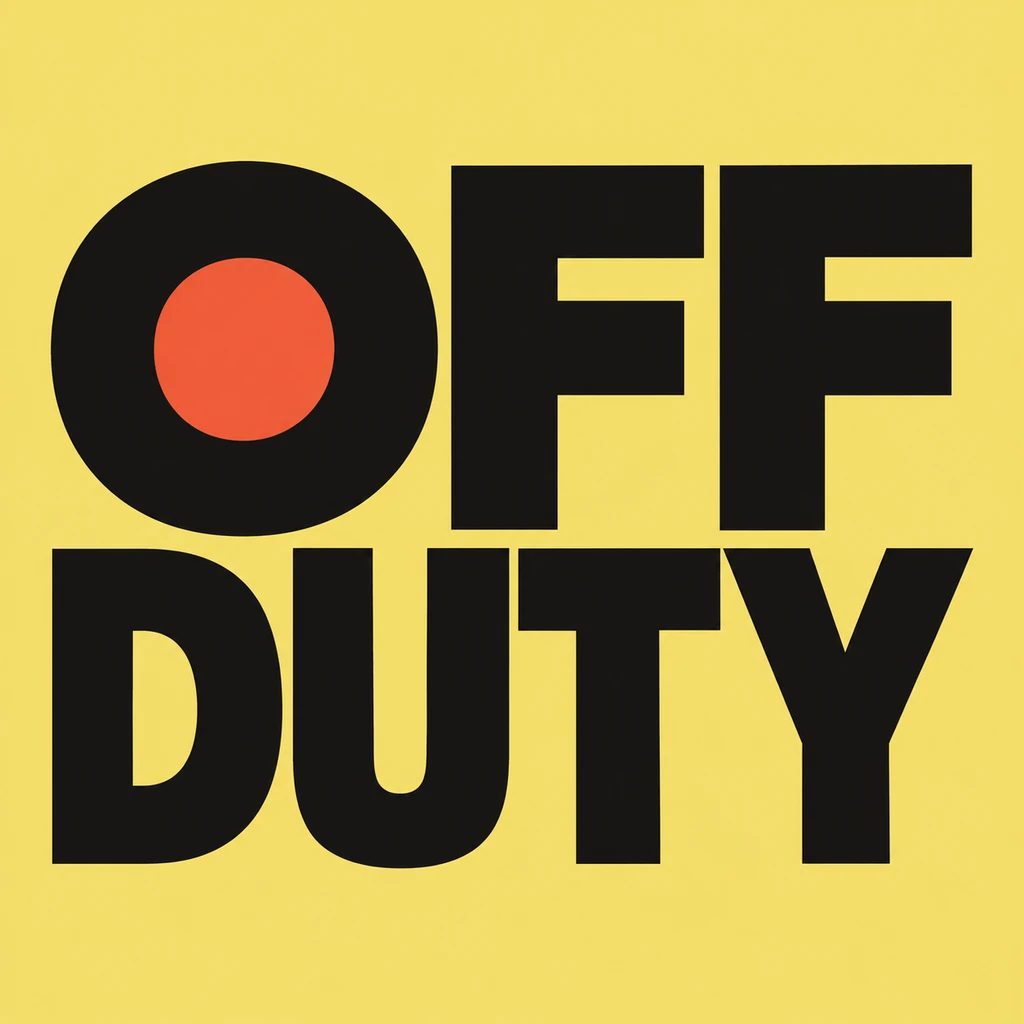
Twitch separates the offline video-player banner from the profile banner and channel information panels. Check the destination before starting a layout; a size recommendation for one surface does not establish the right dimensions for another. Use the current platform upload requirements for the final banner. OFF DUTY is an owned September 19 shirt-lettering study reused here as a short-message reference. It is not a real channel screen, a platform template or a new generated example.
Keep identity and changing information separate.
Choose one short phrase for the image. Set the actual channel name, any return information and other useful details in editable type beside it. A weekly schedule baked into decorative lettering quickly becomes difficult to correct; keep the platform schedule current instead. If you use a creator handle, verify its exact spelling and punctuation against the actual account. Do not invent an account name from a visual example. Explore an exact creator-name treatment.
Compose the whole player banner before judging the title.
Place the square PNG proportionally inside the final wide canvas, including its opaque background. Do not stretch the letters to fill the width or assume the download has transparency. Leave room for supporting text and inspect the complete composition at a smaller display size. The sample has strong, simple letter shapes; a different phrase may need more breathing room. Match the title to the channel identity without copying another creator’s lettering or a platform logo. Compare the channel name as a wordmark.
Check the saved channel screen and plan the next update.
After assembling the banner, use your own platform controls to upload it and inspect the result in its actual player setting. Confirm what visitors see when the channel is offline, including any other channel content shown there. Minglyph does not perform this account check. Twitch does not natively support animated video-player banners, and this workflow makes no animation. For a particular video, compose a separate thumbnail: that small image has to explain the individual video rather than the channel’s offline state. Plan a separate video thumbnail title.
Another way to approach the letters.
Selected studies with their own briefs. Open a direction and replace the text with yours.
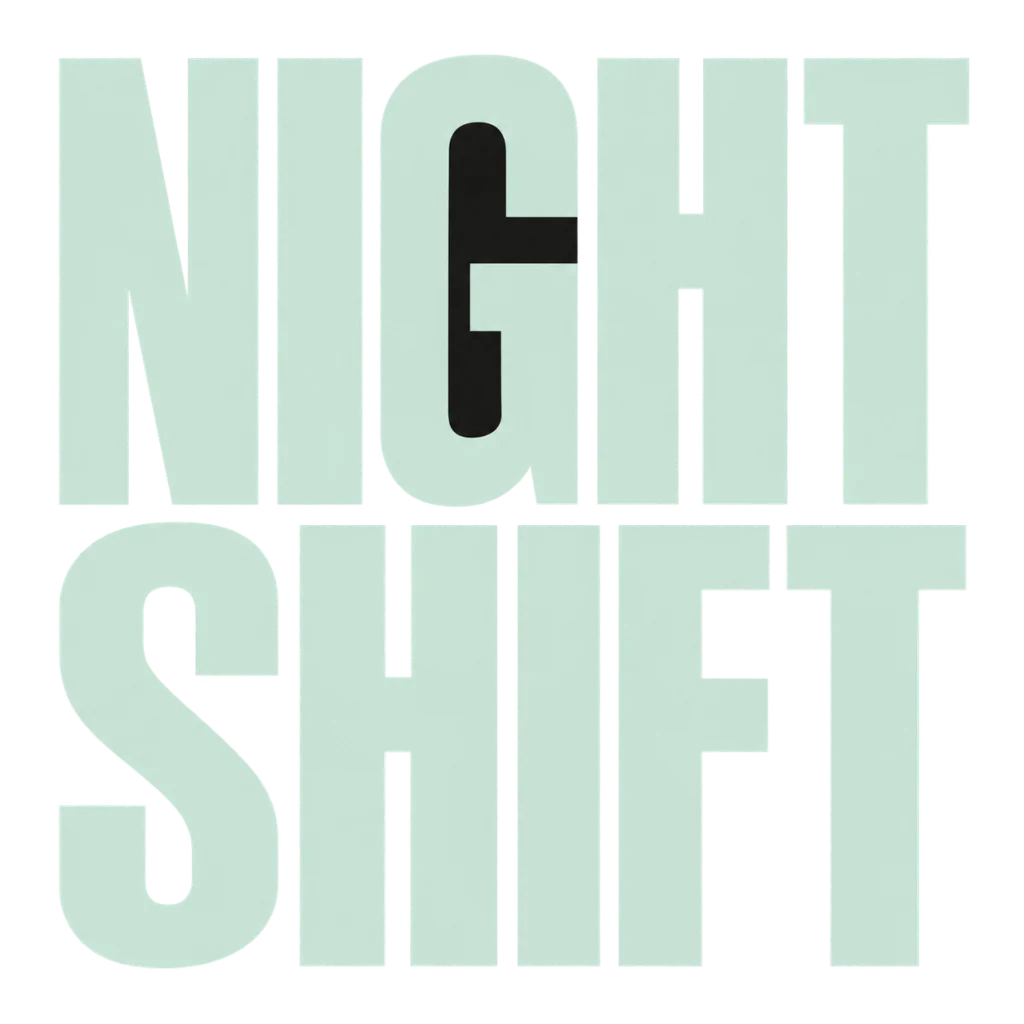
A bold title for an after-dark release.
Use this direction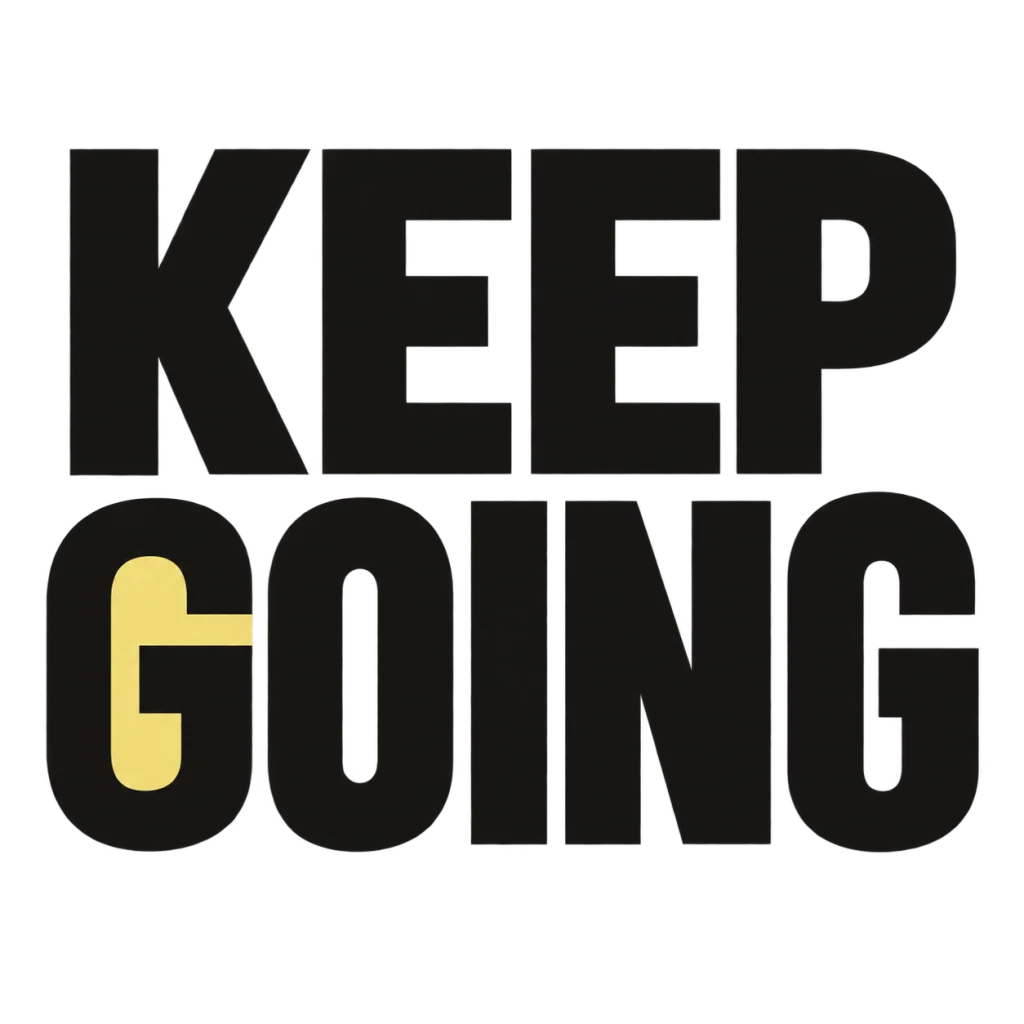
A small nudge for the work that matters.
Use this directionFrom your text to a considered image.
- 01
Choose one stable message
Enter your exact short wording within 40 characters. Keep account details and changing schedule information outside the image.
- 02
Explore the lettering
Choose a palette and continue to Studio. Inspect every letter and word break before using a result.
- 03
Assemble and inspect the banner
Place the square component in a separate banner layout, check the current platform requirements and review your own uploaded screen.
Before you create.
Does this create a complete Twitch banner?
It creates a square AI lettering image. Assemble the final video-player banner and its editable channel information in a separate layout editor.
Is the offline player banner the profile banner?
They are distinct channel surfaces. Check which upload destination you need and its current requirements before sizing the final canvas.
Can I animate or upload the banner here?
No. This is a static PNG workflow with no Twitch account connection or upload tool. Twitch does not natively support animated video-player banners.
Will the PNG have a transparent background?
The starter uses an opaque square background. Do not plan a cut-out overlay or background removal as an included feature.
Can the message contain Chinese or a creator handle?
Enter the exact Unicode text and punctuation. Inspect the result carefully, and keep the real account spelling as editable text in the final composition.
Is OFF DUTY a real creator’s offline banner?
No. It is an owned September 19 static shirt-lettering study reused to show a readable short message. No channel adoption, Twitch endorsement or upload result is claimed.