 Minglyph
Let the word hold a little air.
Make a short name or greeting feel gently inflated. Broad faces and soft edge seams can suggest letter-shaped latex balloons without adding strings or unrelated party decorations.
Free public preview · No sign-up required · See plans and downloads
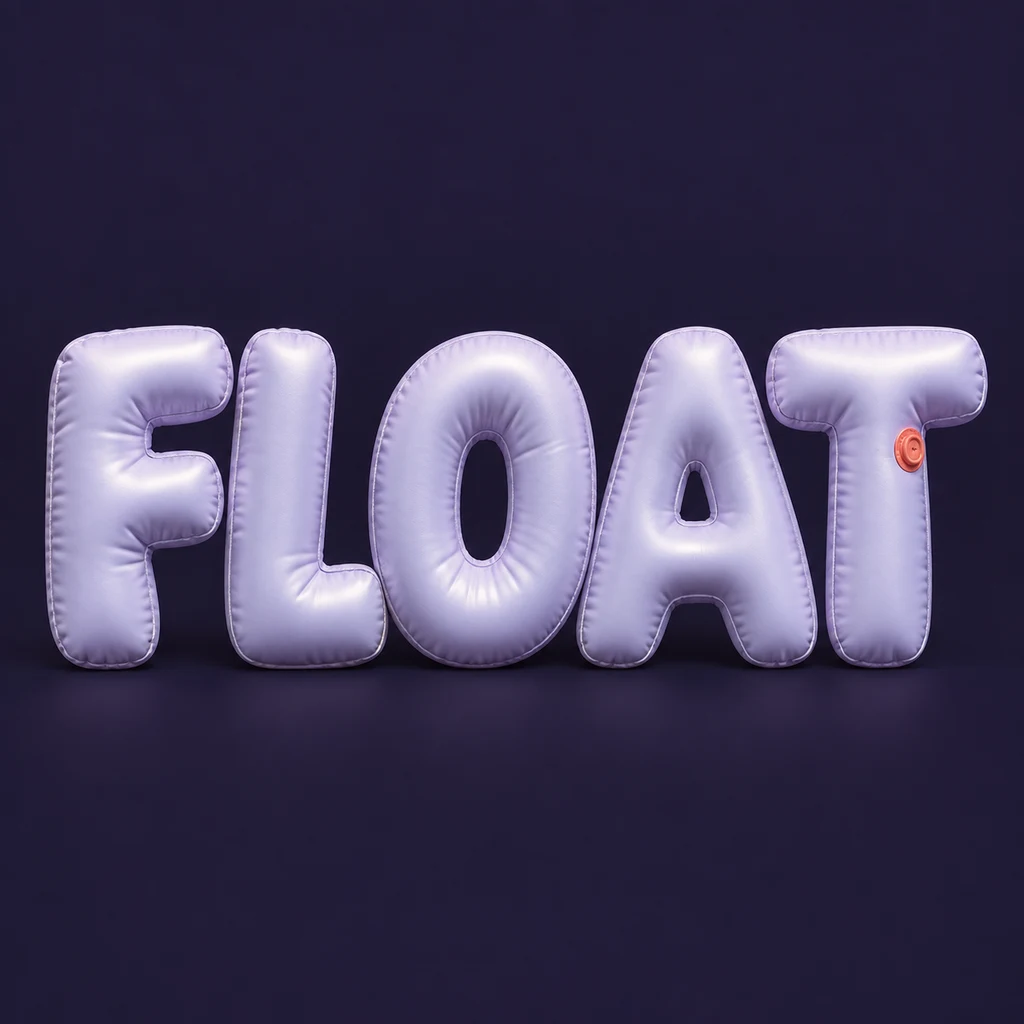
Inflate the letter, preserve its skeleton.
The FLOAT study gives each complete character a gently bulging face. The F bars and T crossbar stay visible, and the O and A keep their openings. Ask for one consistent material and a near-frontal view before making the volume more dramatic. When two swollen edges merge, reduce the inflation or increase the space rather than trying to rescue the word with extra shine.
Use seams as a small material clue.
A fine seam near an edge and a restrained highlight can make the material feel inflated. Those details should reward a close look while the silhouette does the reading at phone size. The sample uses a satin latex-like surface, rather than mirror chrome or generic glossy toy letters. Avoid strings across the word: they introduce a competing line and can hide required strokes. Compare a solid sculpted material.
Leave the occasion to the wider layout.
A balloon word can be the main image in a celebration tile or a personal greeting. Add a date, venue and other information as editable text elsewhere. Minglyph generates a square still image, so the balloons do not move, float or form a physical order. If you need a transparent overlay or a complete event poster, plan that separate editing step before selecting the final image.
Another way to approach the letters.
Selected studies with their own briefs. Open a direction and replace the text with yours.
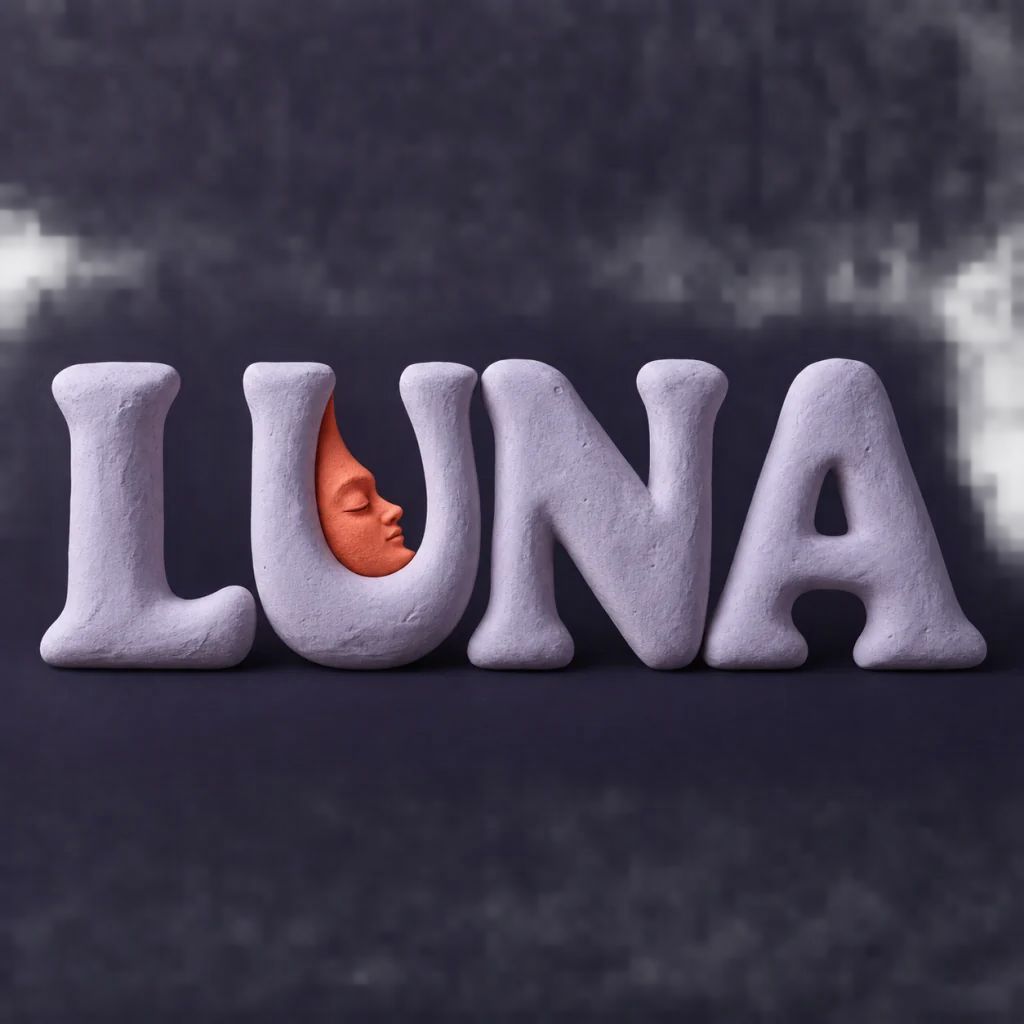
A familiar name with a softer side.
Use this direction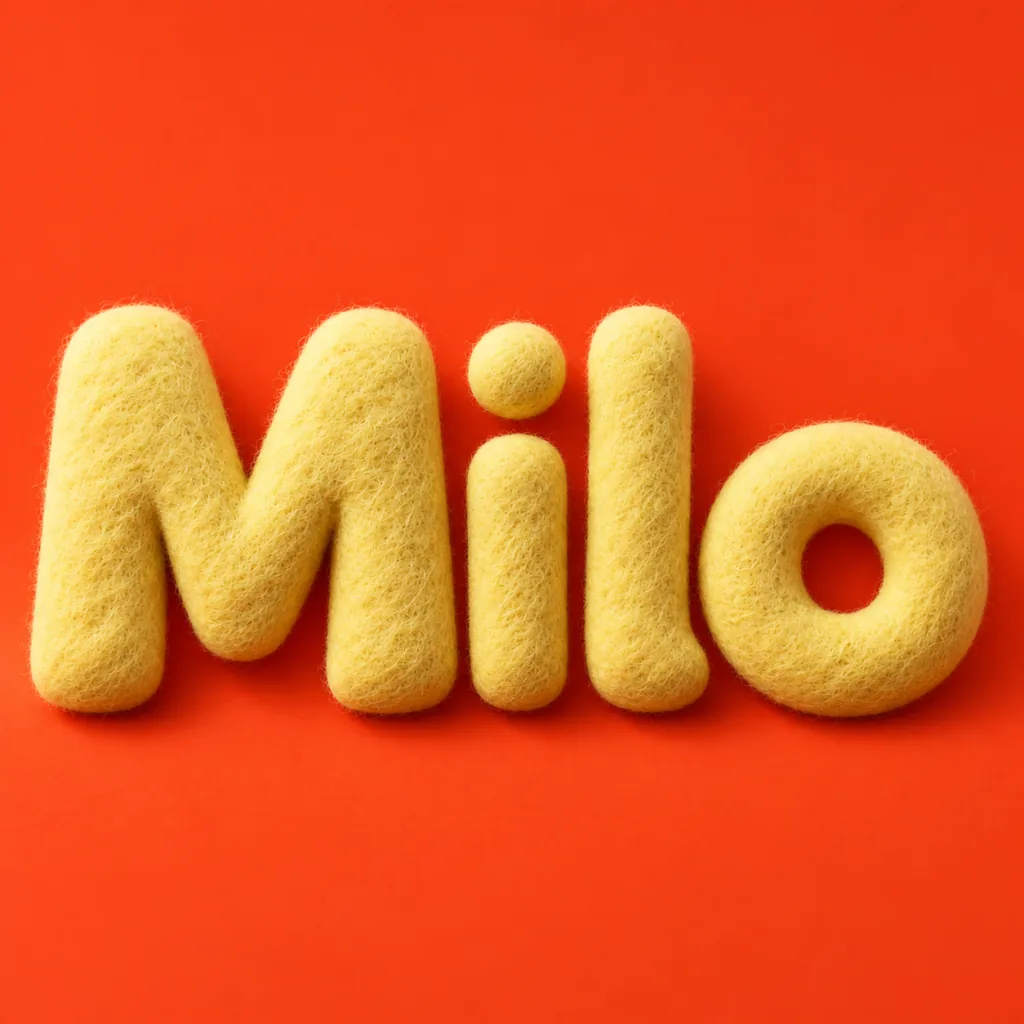
A small name with a warm welcome.
Use this directionFrom your text to a considered image.
- 01
Start with a short exact word
Enter a name or greeting with the marks and case you intend to use. Each character needs enough room for its inflated edges.
- 02
Describe one inflated material
Choose a palette, then open the Organic brief in Studio. Ask for complete latex-like letters, soft seams and open counters with no strings or extra objects.
- 03
Check the whole shape
Read the small image, then inspect each joint, counter and punctuation mark. Confirm that no seam or bulge has added or removed a required stroke.
Before you create.
Does this make balloon font files or editable vector letters?
No. The result is a square AI lettering image. It does not export a font, vector alphabet, inflatable mesh or individual editable balloon shapes.
Can I make a birthday greeting?
Yes, within the 40-character text limit. Use the birthday lettering guide if the occasion and composition matter more than the inflated material.
Can I choose shiny foil balloons instead of latex?
You can describe another surface in Studio, but this starter uses restrained latex-like highlights. Surface detail and letter construction are generated rather than controlled by exact material or geometry sliders.
Are strings, transparent backgrounds or animation included?
No. The starter keeps the full word separate from strings and decorations on a colored square field. It does not promise background removal or moving balloons; inspect the available image download and any later edits separately.