 Minglyph
Words with the softness of felt.
Create a tactile lettering image for a greeting, a craft project mood board or a warm brand introduction. Start with your own words, then shape the softness through short fibers, rounded edges and gentle depth.
Free public preview · No sign-up required · See plans and downloads
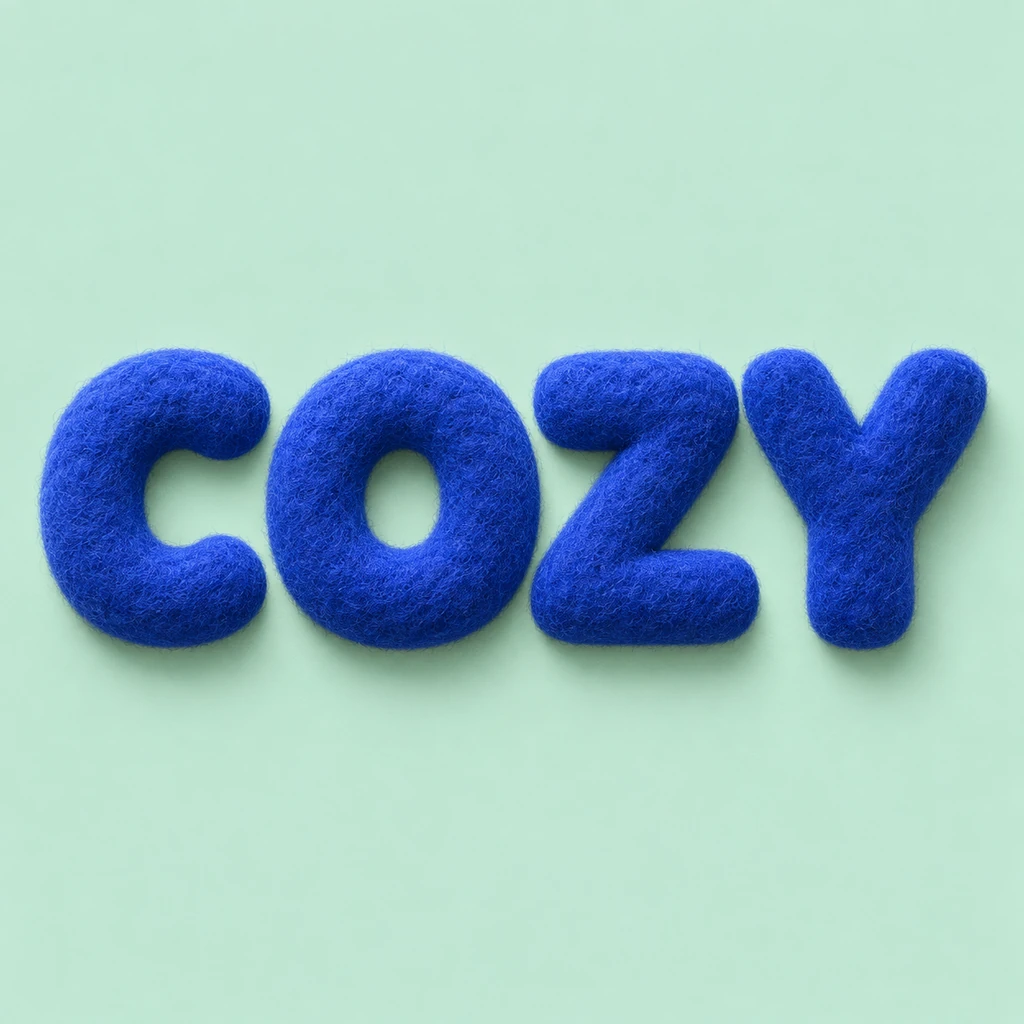
Let the edge tell you it is felt.
The useful detail is the transition from a solid letter to a fine fibrous edge. Begin with compact wool and just enough surface texture to soften the silhouette. Long fuzzy strands can turn an O into a filled disc or make an E look unfinished. Describe short fibers and compressed edges in the brief; leave enough space for each letter to remain distinct.
Give soft letters a clear background.
Texture needs contrast to read. Compare the outside edge of each letter with its surrounding field, then look inside any small openings. In the COZY study, ultramarine felt sits on pale mint so the word reads before the fibers become visible. A near-frontal view and short contact shadows keep the image grounded. Avoid asking for loose threads between letters: the spaces are part of the message.
Choose the words before building the composition.
A name, a greeting or one short phrase leaves room for the material to be visible. If you are planning a longer card, generate the display phrase here and arrange the supporting message separately in your layout. Inspect the image at the size you intend to show it. Keep a version where the spelling reads immediately, even when the fine fibers disappear in a small preview.
Another way to approach the letters.
Selected studies with their own briefs. Open a direction and replace the text with yours.
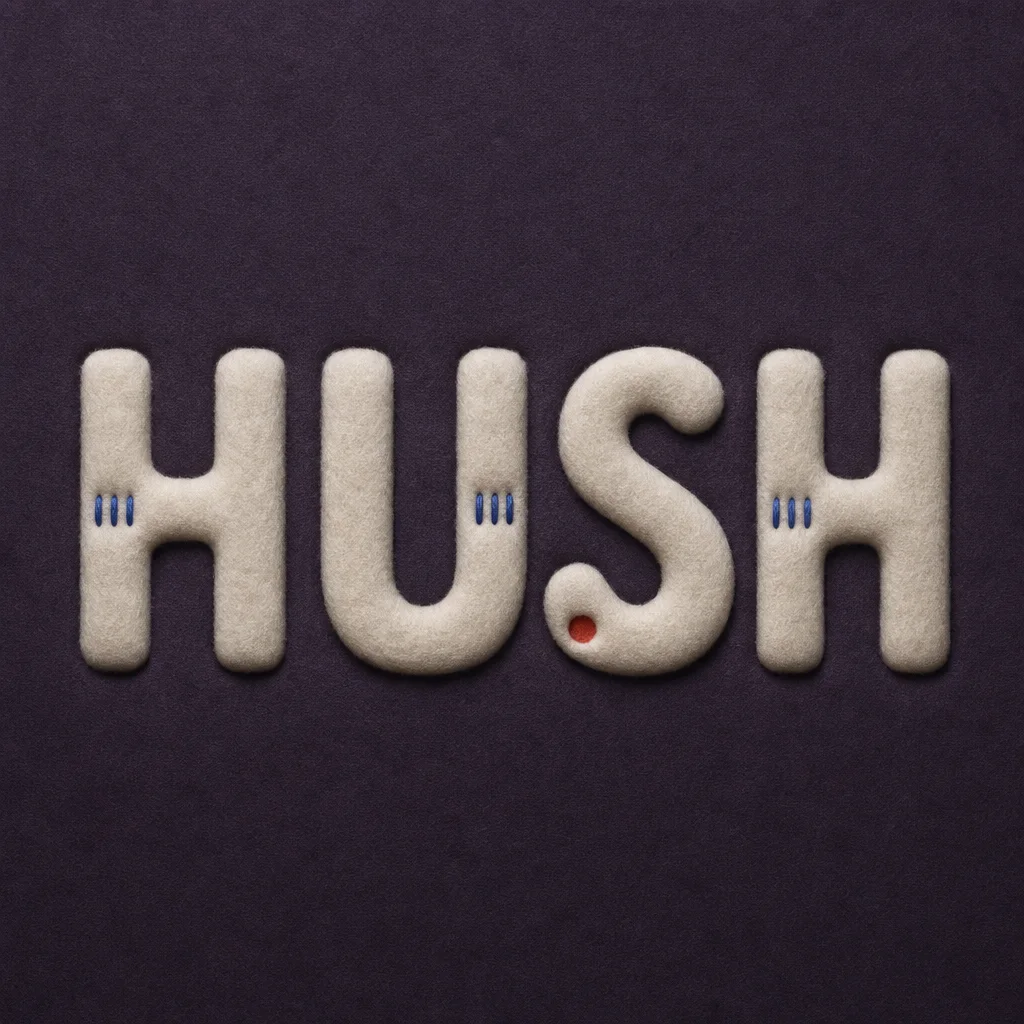
Quiet can have weight without asking for attention.
Use this direction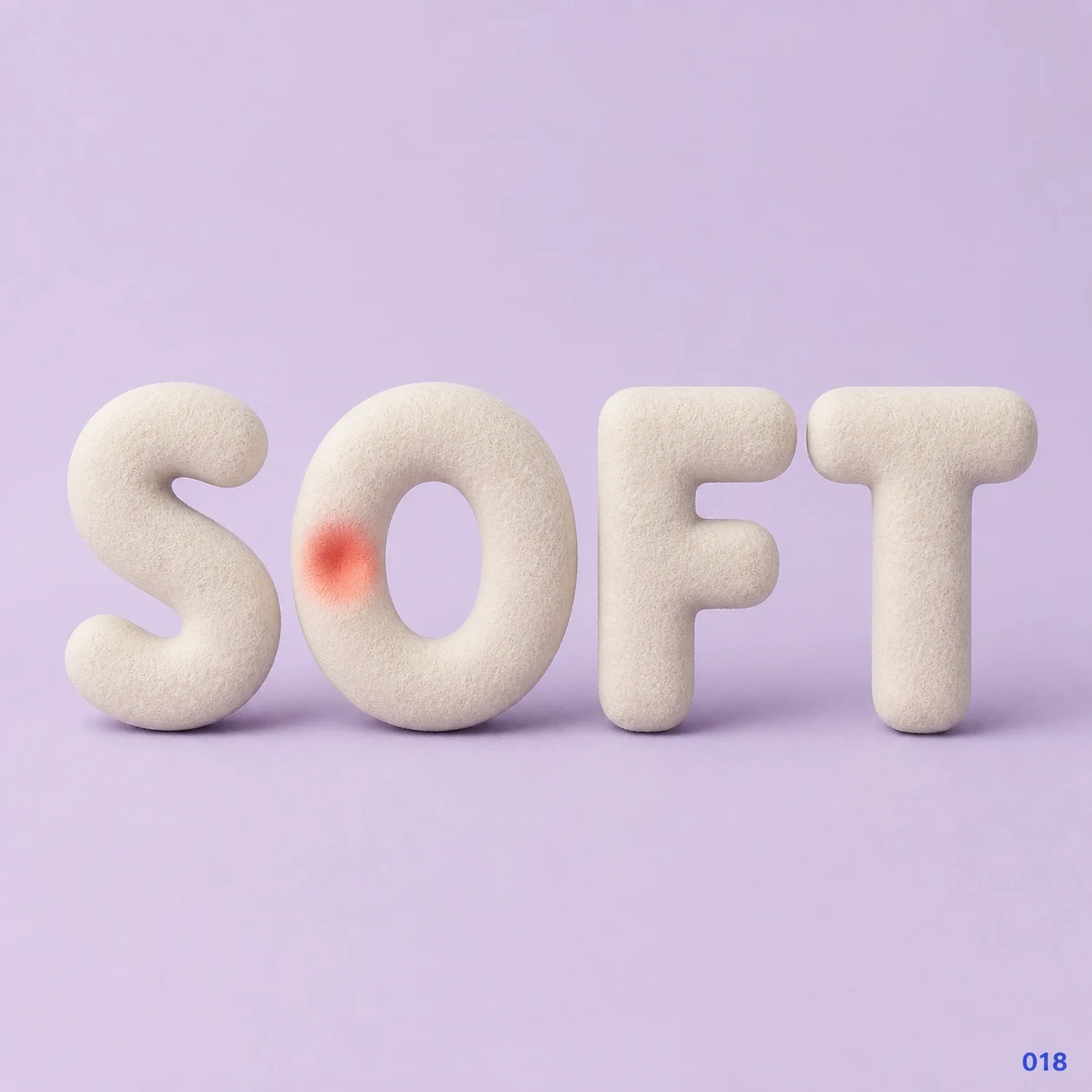
Gentleness can leave a visible impression.
Use this directionFrom your text to a considered image.
- 01
Write the exact phrase
Enter up to 40 characters with the case, spaces and punctuation you want. A short phrase gives the texture more room.
- 02
Choose a palette and open Studio
The Soft 3D brief carries your text and a dense felt direction. Refine the thickness or softness before generating.
- 03
Review the outline and the detail
Read the small preview first. Then check every character at full size for closed counters, merged edges or stray fibers.
Before you create.
How is felt lettering different from the 3D text starter?
The 3D starter begins with smooth matte clay. This brief uses compact wool fibers, soft compression and a slightly fuzzy edge. Both create square artwork, but the surface and the checks needed to keep it readable are different.
Does it make knitting charts or sewing patterns?
No. It makes a digital image with a felt-like appearance. It does not calculate stitches, provide cutting templates or produce a physical felt object.
Can I make a felt alphabet or install this as a font?
You can explore a short sequence of letters, but each result is an artwork image. It is not an installable font, and separate generations do not guarantee a consistent full alphabet.
Can I keep accents, Chinese characters and punctuation?
Yes, the brief accepts exact Unicode text within the 40-character limit. Review the generated image for every accent, punctuation mark and Chinese stroke; soft edges should not hide or replace them.