 Minglyph
A birthday greeting with someone in mind.
Make the words of your birthday message the artwork. Start with a short greeting, a name and an optional age, then give the parts a clear order and a palette that suits the person receiving it.
Free public preview · No sign-up required · See plans and downloads
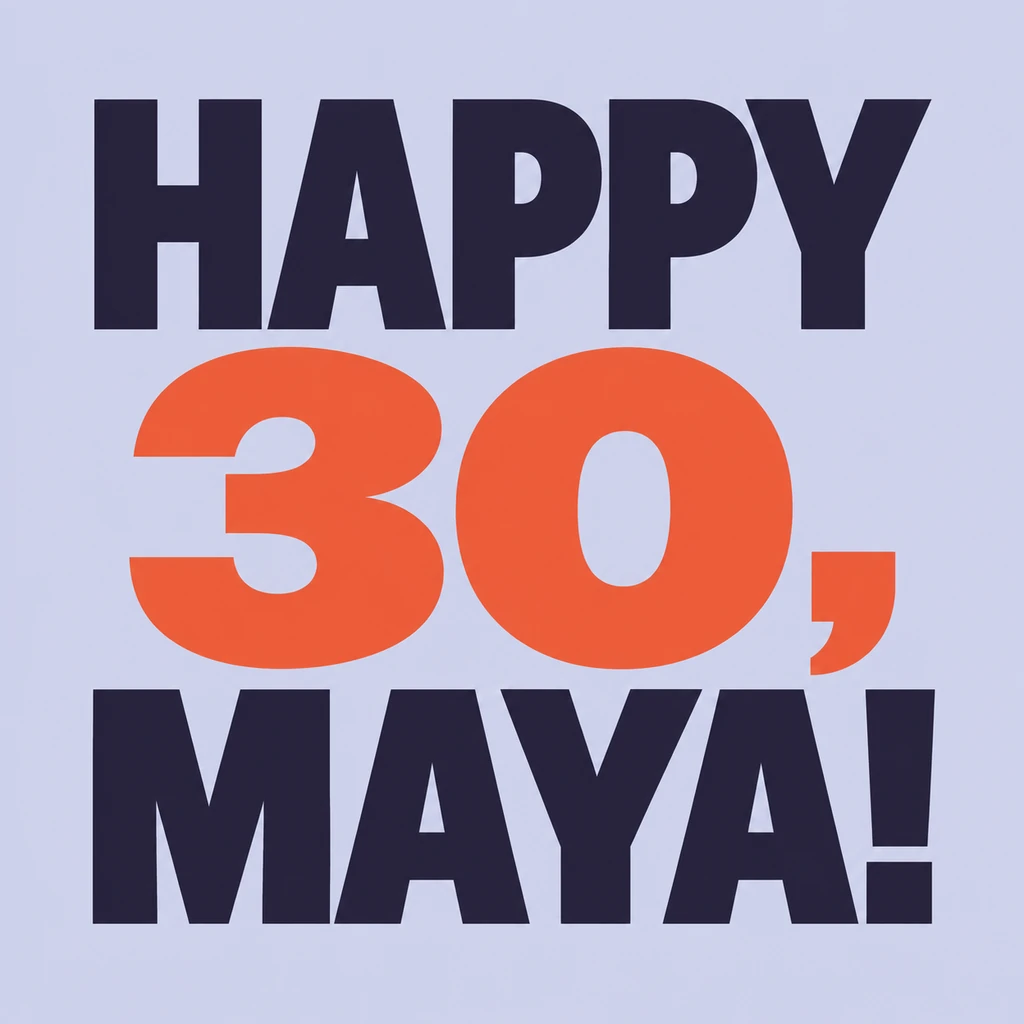
Decide what the greeting should actually say.
Write the complete message before choosing its visual treatment. A name makes a familiar greeting personal; an age is useful only when you want it included. The HAPPY 30, MAYA! study uses both, but a simple HAPPY BIRTHDAY! works without either. Check the spelling of the name, the number and every punctuation mark. This starter styles the words you enter, so keep private notes and instructions out of the text field.
Give each part a job in the composition.
Choose what should be noticed first: the greeting, the person’s name or a milestone number. In the sample, the age is larger while the opening word and name complete the message above and below it. Keep each word group intact and leave enough room for the comma and exclamation mark. For a longer name, reduce its size or give it a separate line in the brief instead of squeezing the last letters against the edge.
Review it as a greeting someone will receive.
A design that looks clear on a large screen may arrive as a small image in a chat. Check that the name and age are readable at that size and that the punctuation has not become a stray decorative mark. For a social post, review the destination crop before sharing. For a printed card, place the square artwork in a separate card layout and add your longer message there. Check the downloaded dimensions against the intended print size.
Another way to approach the letters.
Selected studies with their own briefs. Open a direction and replace the text with yours.
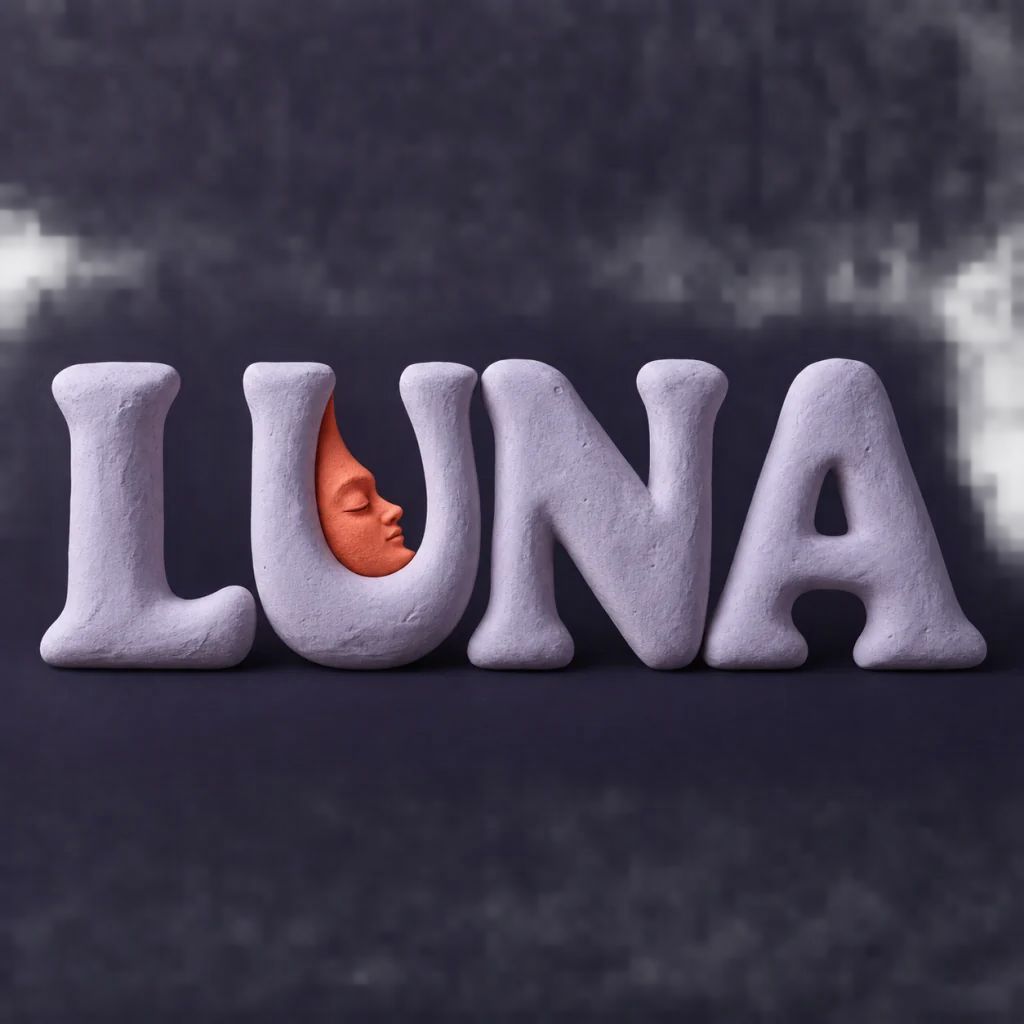
A familiar name with a softer side.
Use this direction
A reminder to leave the next question open.
Use this directionFrom your text to a considered image.
- 01
Write a personal short greeting
Enter up to 40 characters. Include a name or age only if you want it in the artwork, with the exact spelling and punctuation.
- 02
Choose the color and emphasis
Continue to the Graphic poster brief with your palette. Describe which word group should be largest and keep all of the wording complete.
- 03
Check before sending
Compare the image with the text you entered. Review the name, number, punctuation and small preview, then use the available Studio download for your layout.
Before you create.
Will it write a birthday wish or calculate someone’s age?
No. Supply the message and any age yourself. The starter makes a visual treatment of that text; it does not infer a birth date, invent a personal wish or add an age you did not enter.
Can I use a Chinese name or a mixed-language greeting?
Yes. The brief accepts exact Unicode text within the 40-character limit. It asks to retain the supplied wording rather than translate it. Review each character, number and punctuation mark in the generated image before sharing.
Does it create a complete folded card or party invitation?
It creates one square lettering image. Card folds, addresses, event details, RSVP links and print layouts are separate. Add those in a layout tool after selecting the greeting artwork.
Can I change the sample’s name, age and colors?
Yes. Type your own complete message and select a palette before continuing to Studio. The custom direction does not add MAYA or 30. Opening the sample brief keeps its example wording, which you can edit before generating.