 Minglyph
Let the weave shape the feeling.
Make a short name or title feel cut from denim cloth. Start with whole separate letters and a calm field, then use fine diagonal twill and soft edges to suggest a familiar woven material.
Free public preview · No sign-up required · See plans and downloads
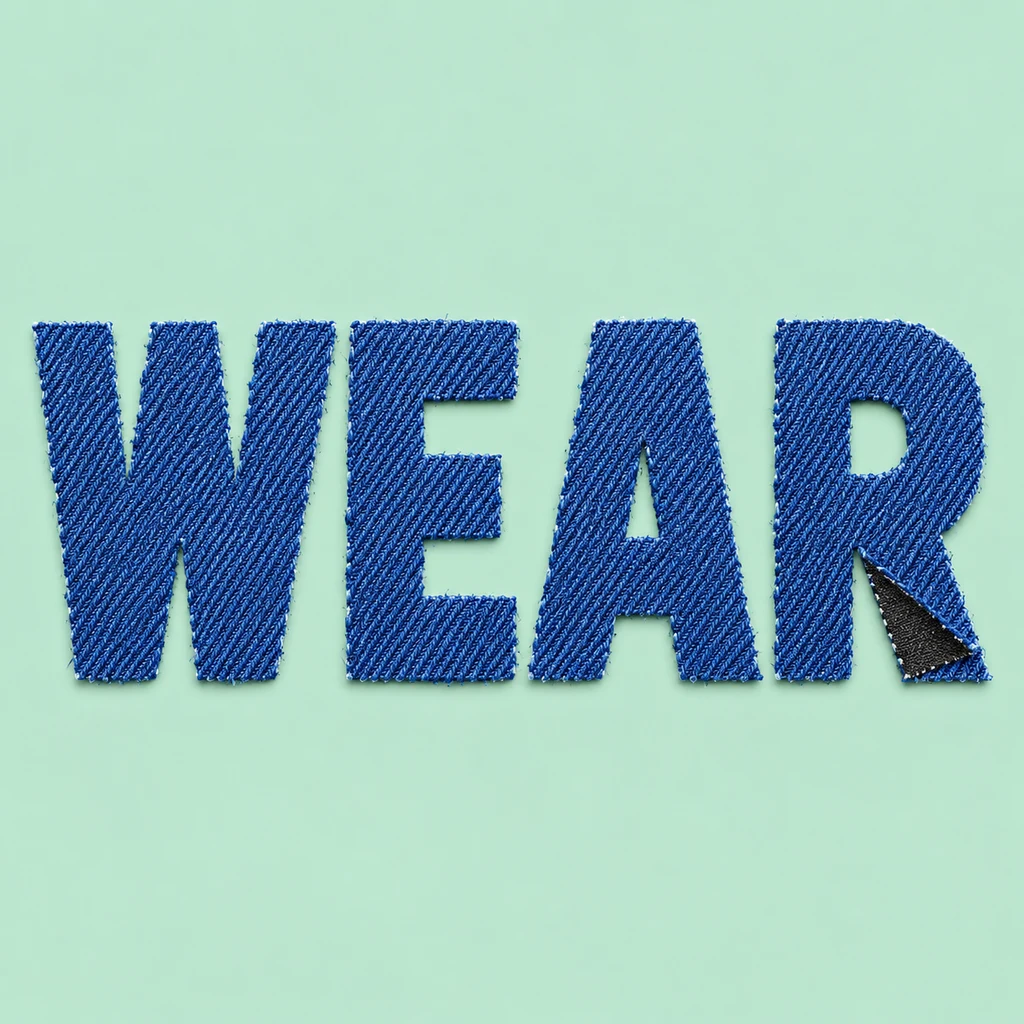
Let the letter hold the weave.
WEAR keeps the full W joins, three E bars and the openings in A and R visible. The diagonal fabric texture stays inside each letter face. Give those openings room before increasing the weave detail. If a fine stripe starts to look like an extra stroke or a torn edge changes the spelling, simplify the surface and return to the underlying silhouette.
Decide whether cloth or thread makes the word.
In this direction the denim itself forms separate letter pieces; a small fold and soft cut edges suggest shallow fabric thickness. An embroidered word instead uses thread stitched into a continuous cloth background. Choose that construction before adding more textile detail, and keep loose fibers from bridging neighboring letters. Compare lettering made from stitches.
Treat it as a textile concept image.
The study can guide a personal label, an apparel-themed title or a handmade cover direction. It does not include a garment mockup, an actual appliqué cutting pattern or embroidery-machine instructions. Add a date or secondary wording separately in your layout. For a physical patch, prepare the chosen letter shapes and edge finishing with the maker rather than assuming the image defines a sewing process.
Another way to approach the letters.
Selected studies with their own briefs. Open a direction and replace the text with yours.
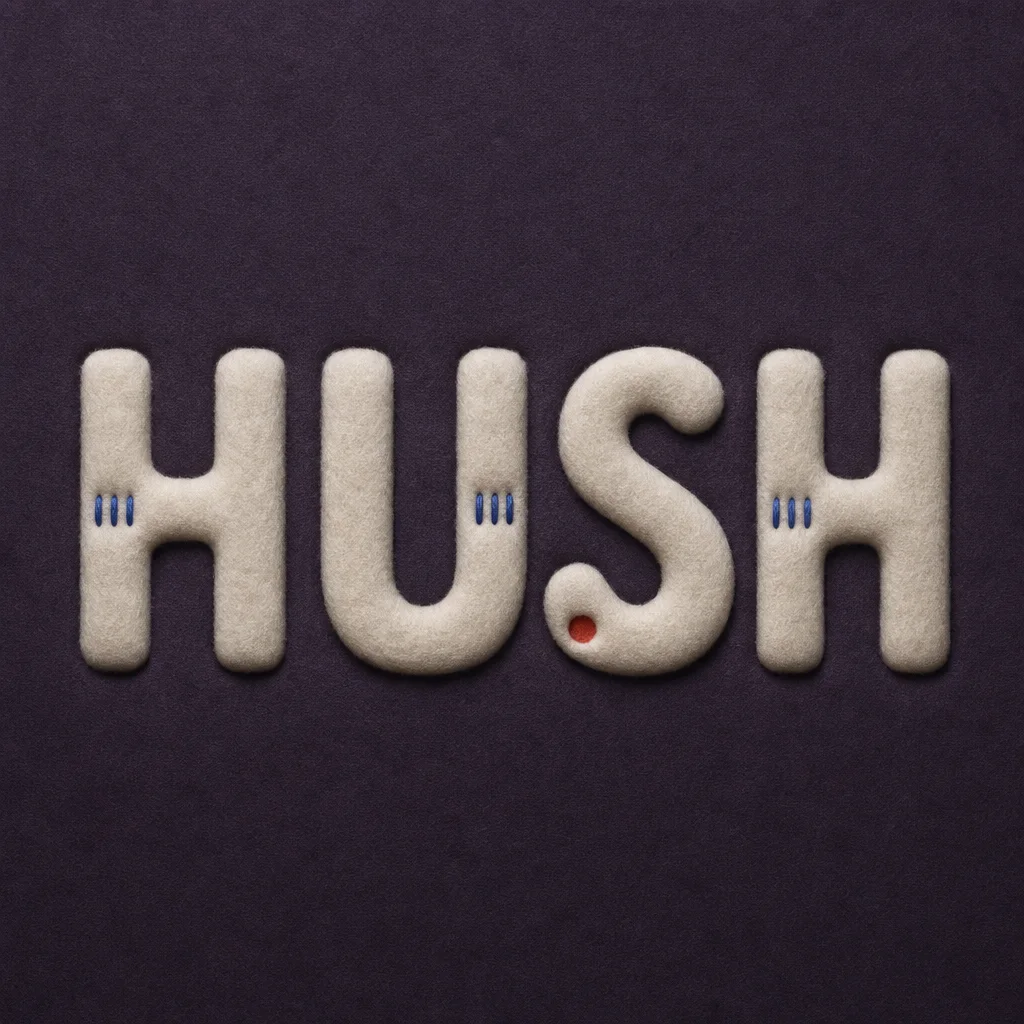
Quiet can have weight without asking for attention.
Use this direction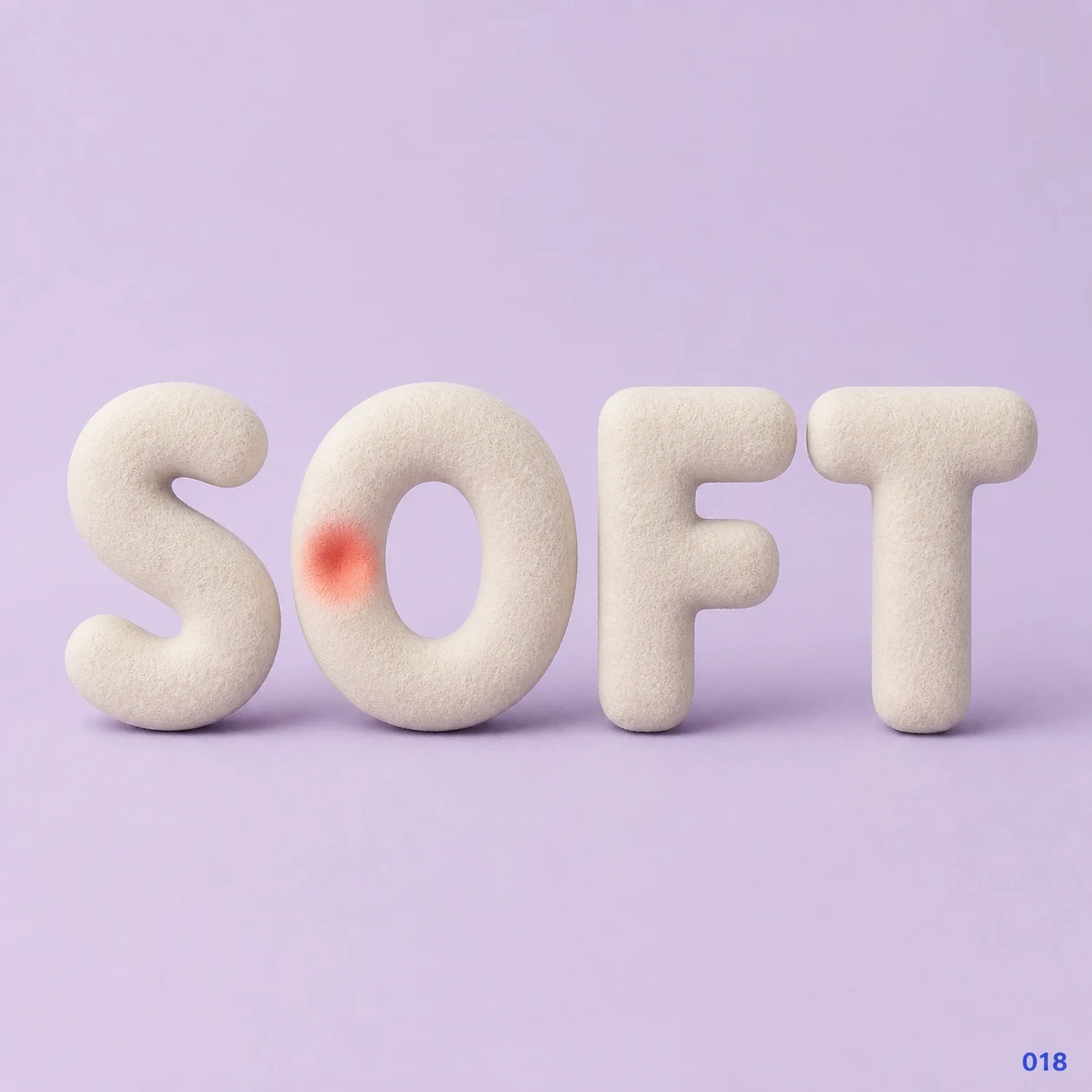
Gentleness can leave a visible impression.
Use this directionFrom your text to a considered image.
- 01
Write the exact name or title
Enter a short phrase within 40 characters with its intended case, spaces and marks. Leave room for both the word and its fabric edges.
- 02
Set the woven-cloth direction
Choose a palette and open the Organic brief. Describe fine diagonal twill inside full letter pieces and keep the background free of garments or extra objects.
- 03
Inspect edges and openings
Read the small view first. Then check each stroke, accent and counter at full size, keeping the weave quieter than the text.
Before you create.
Is this a denim font or an appliqué cutting file?
No. It creates a lettering image with a denim-like appearance. It does not export an installable font, vector pattern, seam allowance or sewing instructions.
How is denim lettering different from felt or embroidery?
This starter shows a diagonal woven surface inside separate cloth letter pieces. Felt shows compact short wool fibers; embroidery shows thread stitches forming letters on a continuous fabric field.
Can I set weave spacing or distressed edges precisely?
Studio accepts an editable written brief rather than weave-spacing or cutting controls. Describe a finer surface or cleaner edge, then inspect the generated image. This starter keeps distress restrained.
Can I make a Chinese name or preserve punctuation?
The brief carries exact Unicode text within 40 characters. Check small radicals, accents and punctuation after generation; fabric fibers must not cover or replace them.