 Minglyph
Interrupt the signal, keep the word.
Create a title image with one deliberate digital disruption. A few shifted slices can suggest an unstable screen while the letters still read as the exact text you entered.
Free public preview · No sign-up required · See plans and downloads
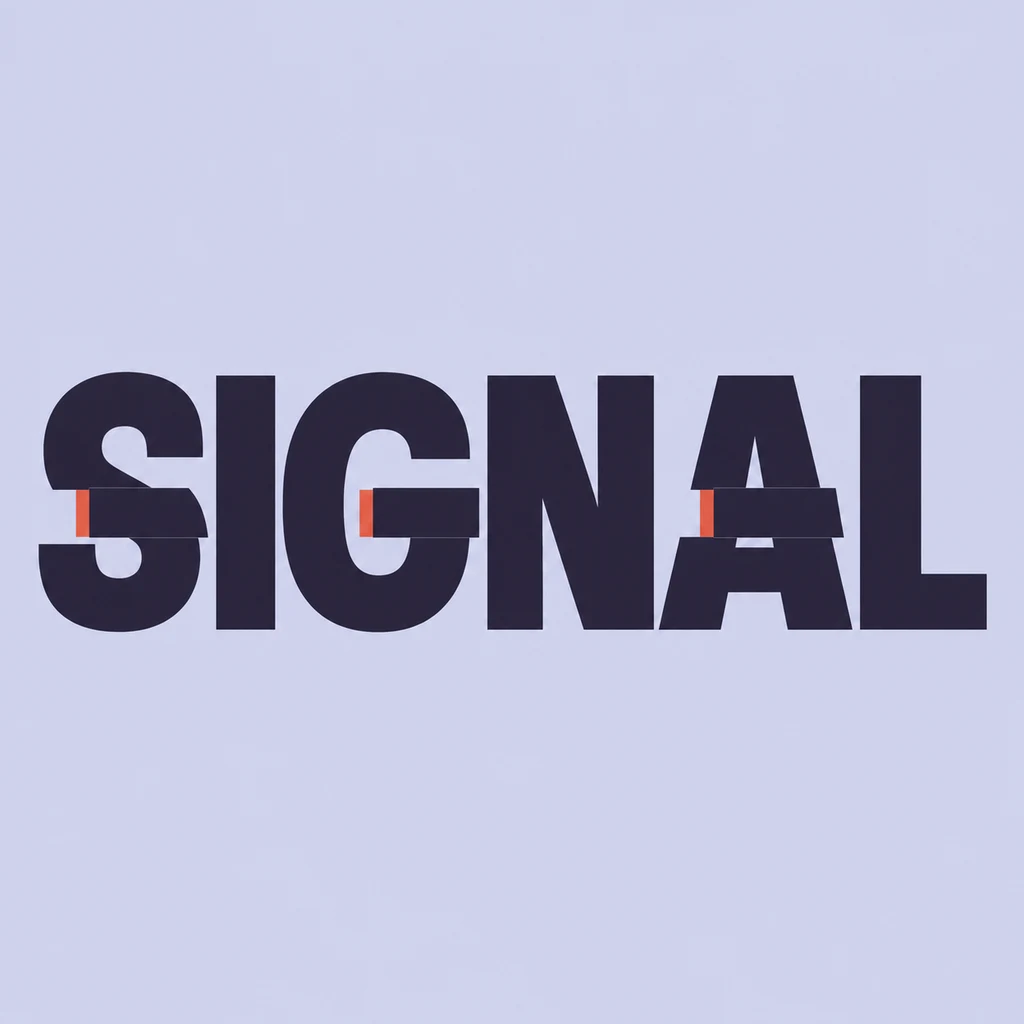
Start with a complete base word.
The SIGNAL study keeps six large dark capitals in one reading line. Narrow horizontal interruptions touch only a few letters; the I, N and L remain calm so the eye can recover the word immediately. Ask for one kind of offset rather than several unrelated glitches. When an S curve or A crossbar breaks beyond recognition, reduce the displacement before adding more color.
Test the effect at thumbnail size.
Small coral registration edges make the interruption visible against the dark letters without turning the image into a rainbow of duplicate text. Check the title at phone size before zooming into its slices. Scanlines across the whole square, extra copies of the word or a screen frame can compete with the message; reserve those for a separate layout if the project genuinely needs them.
Know which kind of glitch you need.
This page makes static lettering artwork for a cover study, event tile or game-title concept. It does not output animated frames, an editable layer stack or copy-and-paste “glitch” Unicode characters. If the title must move, use the chosen image as a reference and build timing in a motion tool. Keep selectable captions as ordinary text beside the artwork.
Another way to approach the letters.
Selected studies with their own briefs. Open a direction and replace the text with yours.
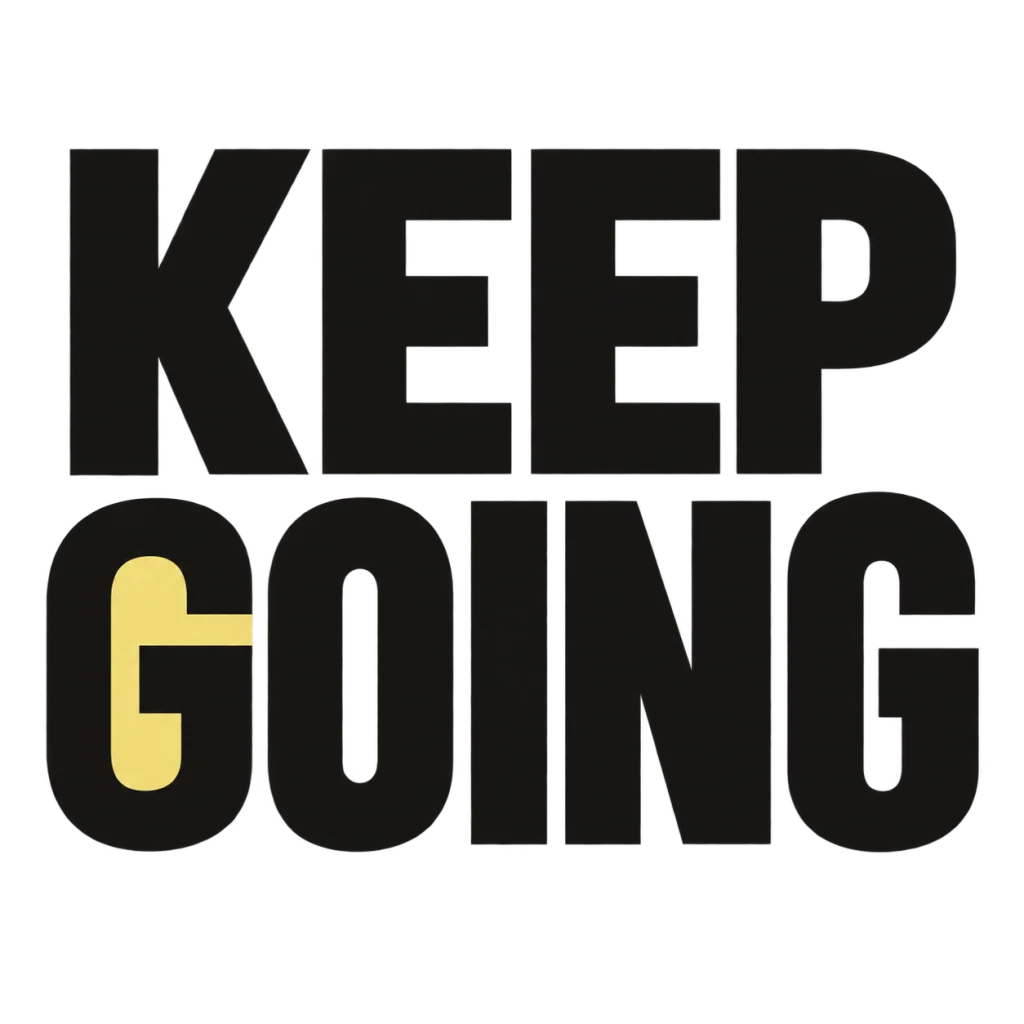
A small nudge for the work that matters.
Use this direction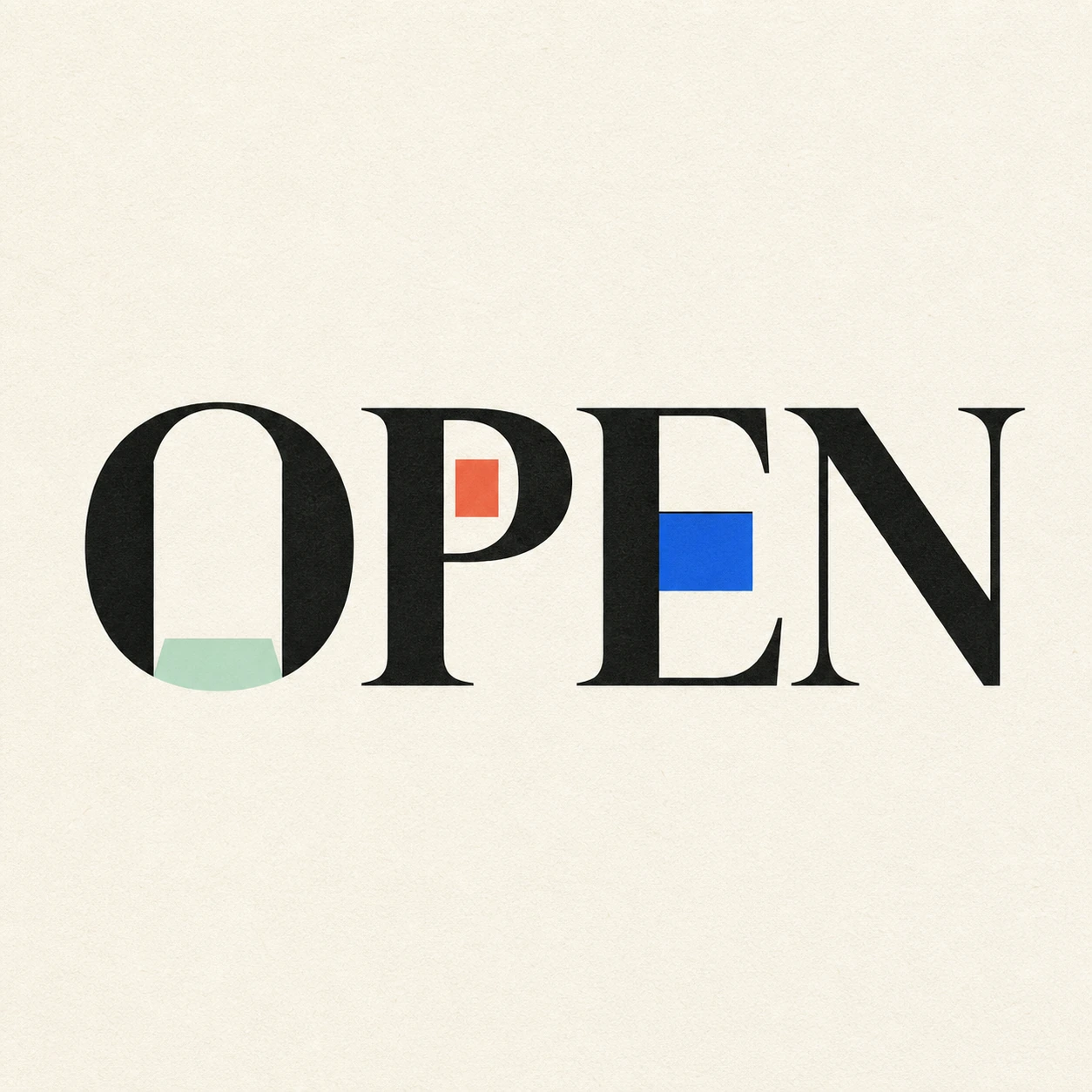
Possibility begins where a closed form gives way.
Use this directionFrom your text to a considered image.
- 01
Write the exact title
Enter a short word or phrase with the case and marks you want to appear. Short text gives each glyph space to remain whole.
- 02
Describe one interruption
Choose a palette, then continue to the Graphic poster brief in Studio. Ask for a small offset in selected letters while keeping the base text complete.
- 03
Compare small and full views
Read the thumbnail without looking at your input, then inspect counters, accents and every displaced slice at full size.
Before you create.
Can I copy the result as glitched Unicode text?
No. Minglyph creates a static image of the exact text you supplied. It does not insert combining marks or create text that can be pasted into a username or message.
Does this export an animation or GIF?
No. This workflow generates a square still image. Use a motion editor if you need flicker, moving slices or a timed title sequence.
Can I set a numerical glitch strength or RGB shift?
Studio accepts an editable visual description rather than pixel-offset sliders or separate RGB channels. Describe a subtle or stronger interruption, then inspect the generated result.
What about Chinese or mixed-language text?
The brief carries exact Unicode text within 40 characters. Review every radical, accent, space and punctuation mark; keep offsets especially small around fine strokes.