 Minglyph
A little light inside the letters.
Give a short title or name a fine reflective surface. Begin with readable, complete letters, then keep small glitter grains inside each shape so the shimmer supports the word instead of filling its surroundings.
Free public preview · No sign-up required · See plans and downloads
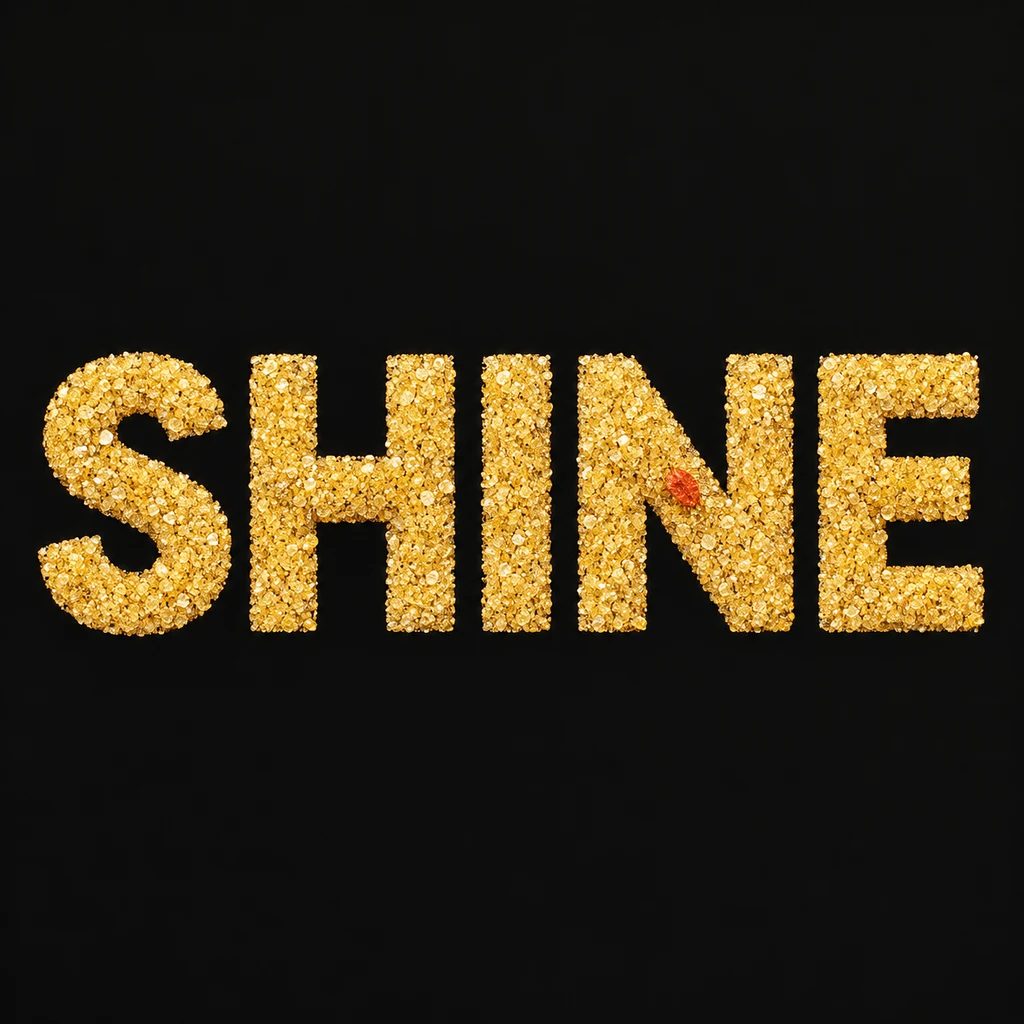
Hold the grain inside the shape.
SHINE keeps a full S curve, the H crossbar, a clear I, the N diagonal and all three E bars. Fine grains create the surface without breaking those strokes. Leave generous spaces between letters and keep reflective detail away from tiny openings. In a thumbnail, the text should read as a solid silhouette before individual flecks become visible.
Choose grains or a continuous film.
Glitter suggests many small reflective pieces contained within the letter face. A foil direction instead suggests a nearly continuous thin sheet with restrained creases and highlights. Choose that material distinction before asking for stronger shine. Too many bright flecks can make a letter edge unclear, while large starbursts can turn the effect into surrounding decoration. Compare a continuous foil film.
Keep the shimmer useful in the layout.
A glitter-word image can offer a direction for a celebratory title, a greeting cover or a personal name artwork. Compare the result at its intended display size, then add dates and supporting copy separately as editable text. The starter produces a still square image. It does not animate sparkle, specify real glitter materials or produce a measured print-finishing file. A physical process needs its own production review.
Another way to approach the letters.
Selected studies with their own briefs. Open a direction and replace the text with yours.

Silence is not empty. It is space kept deliberately.
Use this direction
A clear voice for a thoughtful brand.
Use this directionFrom your text to a considered image.
- 01
Write the exact wording
Enter a concise name or title within 40 characters. Keep its intended case, spaces and marks, allowing room around fine strokes.
- 02
Describe a contained fine surface
Choose a palette and continue to the Organic brief. Ask for whole readable letter shapes, fine reflective grains inside each glyph and a calm surrounding field.
- 03
Compare the small and full views
Read the thumbnail first. Then inspect every grain-rich edge, counter and small mark at full size; simplify the surface where the material competes with the text.
Before you create.
Does this create animated sparkle or a live glitter effect?
No. It makes a still AI lettering image. It does not supply animation controls, a shader, video frames or an animated export.
Can I lock glitter density or choose exact particle positions?
Studio accepts a written material direction rather than particle-placement or numerical density controls. Describe a quieter, finer surface and inspect each result; exact microgeometry is not locked.
Does this include a transparent background or a vector file?
This starter shows the surface on an opaque square field. It does not promise an alpha-channel overlay, editable SVG or print-production vector. Check any later background editing separately.
Can I use Chinese characters, accents and punctuation?
Yes, within the 40-character exact-Unicode input limit. Review every fine stroke and small mark after generation, keeping glitter detail especially restrained around dense characters.