 Minglyph
Let the cold live inside the word.
Explore a short name or title as separate sculpted ice letters. Keep the silhouettes whole, then use cloudy frost, shallow depth and a few restrained inclusions to suggest a frozen material.
Free public preview · No sign-up required · See plans and downloads
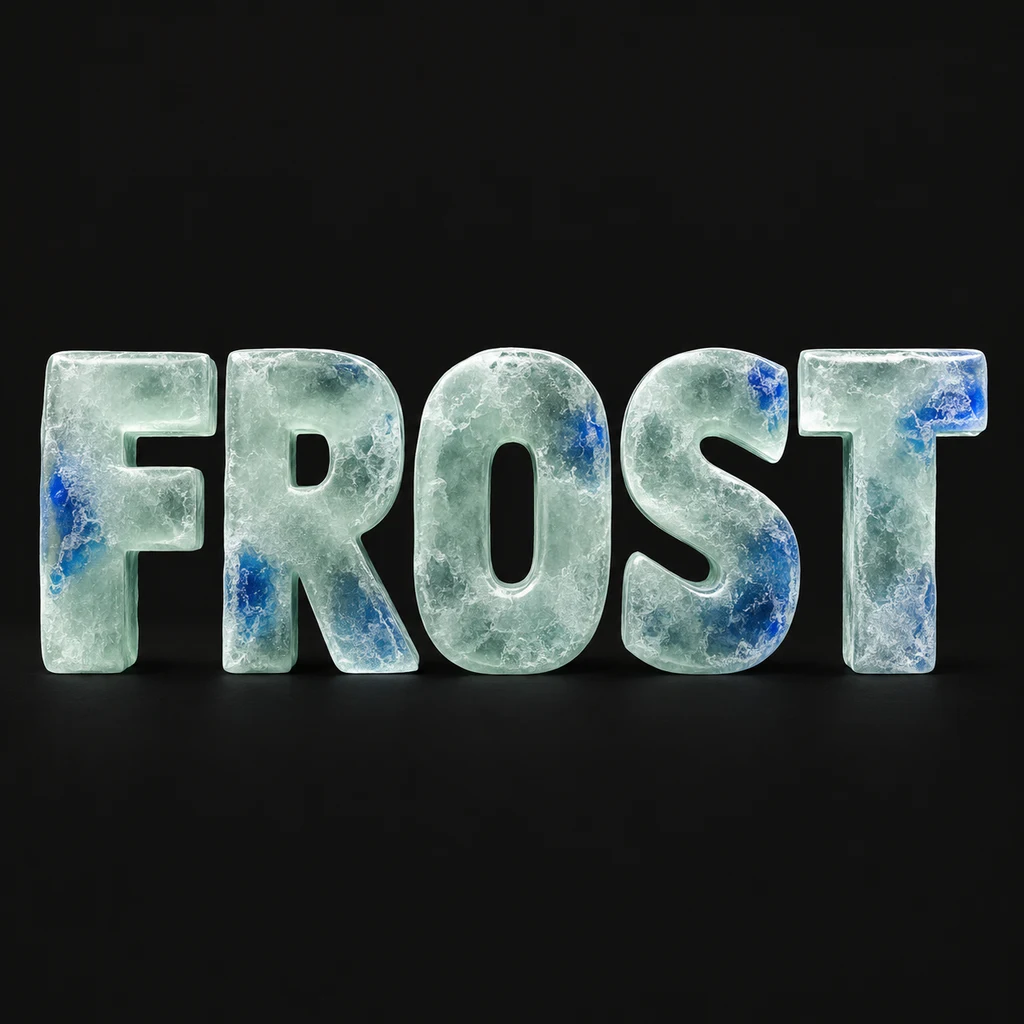
Sculpt the word before freezing its surface.
FROST begins with five complete broad capitals. The F bars and T crossbar remain intact, while the O and R openings stay large enough to read at small size. Cloudy detail belongs inside each letter face. Avoid cracks that remove a stem or icicles that create an extra character; simplify the material first if the spelling becomes uncertain.
Choose a continuous frozen body.
This study shows a solid ice-like letter with frost and small inclusions rather than a pattern of separate colored panes. Keep depth shallow and the background calm so the O opening and S curve remain visible. A translucent-looking highlight is a visual cue, not proof of background transparency. For clearly separated panes with dark boundaries, compare the stained-glass direction. Compare colored glass panes.
Leave room around a winter title.
A frozen word can offer a direction for a seasonal cover, an event graphic or a personal artwork. Keep snow, scenery and decorative objects out of the starter when they compete with the exact title. Put secondary wording in your layout editor where it stays editable. The generated image does not define a physical ice sculpture, measured letter geometry or a production-ready cut file.
Another way to approach the letters.
Selected studies with their own briefs. Open a direction and replace the text with yours.

Quiet can have weight without asking for attention.
Use this direction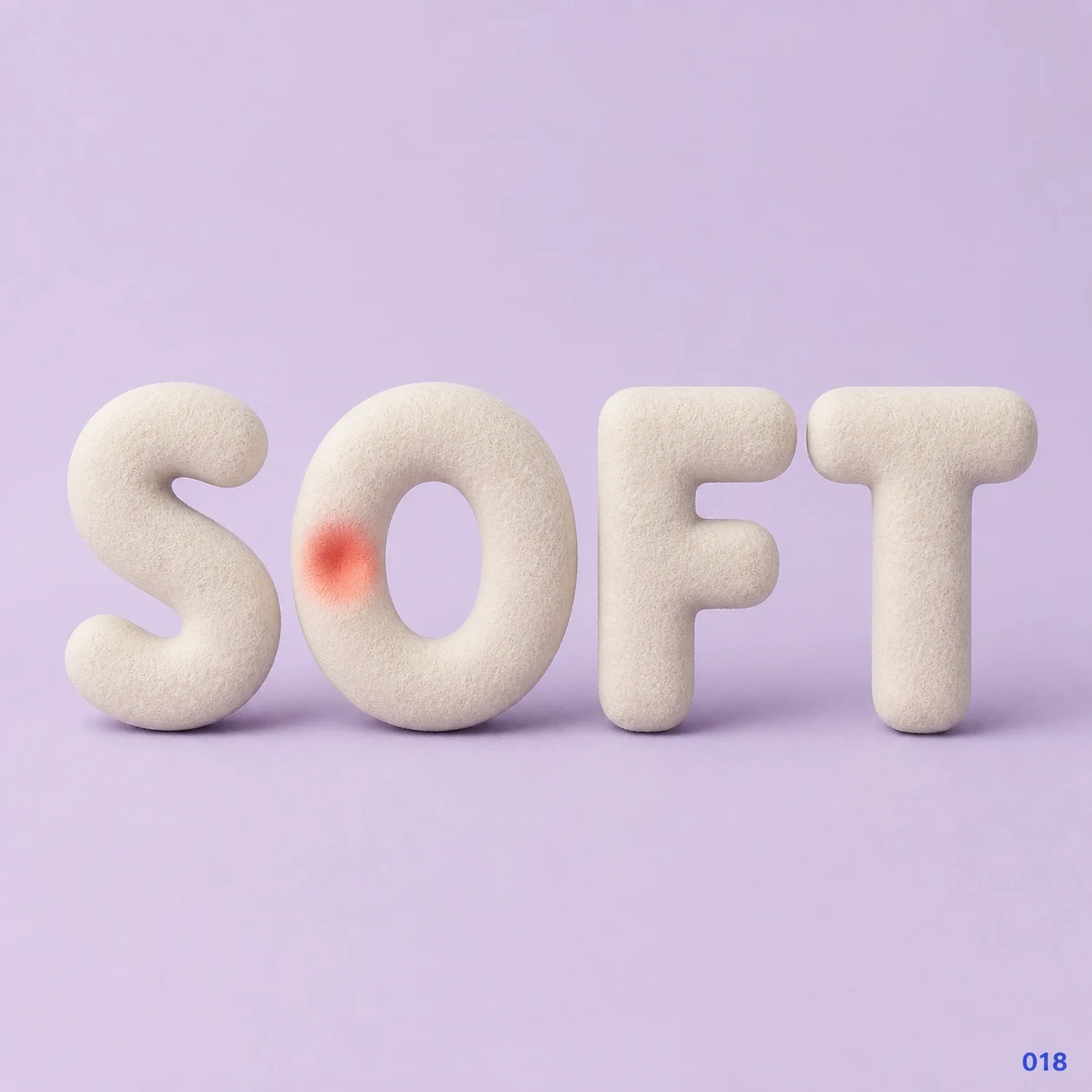
Gentleness can leave a visible impression.
Use this directionFrom your text to a considered image.
- 01
Write the exact name or title
Enter a short phrase within 40 characters, preserving its case, spaces, accents and punctuation. Give fine strokes extra room.
- 02
Set one frozen-material direction
Choose a palette and continue to the Soft 3D brief. Describe whole ice letters, contained cloudy frost and shallow depth without a snow scene or damaged strokes.
- 03
Inspect counters and material separately
Check the thumbnail for readable text, then inspect full-size surfaces. Remove frost or inclusions wherever they fill an opening or blur a small mark.
Before you create.
Is this an ice font or a physical sculpture plan?
No. It creates a square AI lettering image. It does not export an installable font, measured ice geometry, toolpaths or fabrication instructions.
Does the ice effect include a transparent background?
This starter shows an ice-like surface on an opaque square field. Translucent-looking shading does not establish an alpha channel; verify any later background editing separately.
Can I lock frost patterns or the depth of each letter?
The current Studio uses a written material brief rather than numerical frost or geometry controls. Ask for quieter detail or shallower depth, then inspect each generated image.
Can I make Chinese characters or a mixed-language winter title?
Yes, within the 40-character exact-Unicode input limit. Check each radical, accent and punctuation mark after generation. Keep frost especially restrained around dense or fine character structures.